The open-source platform
for industrial data.
StreamPipes connects to machines and industrial systems, works on the data as it arrives, keeps the history, and turns it into charts and dashboards. It runs on your own servers under the Apache license.
Runs with Docker Compose or Kubernetes.
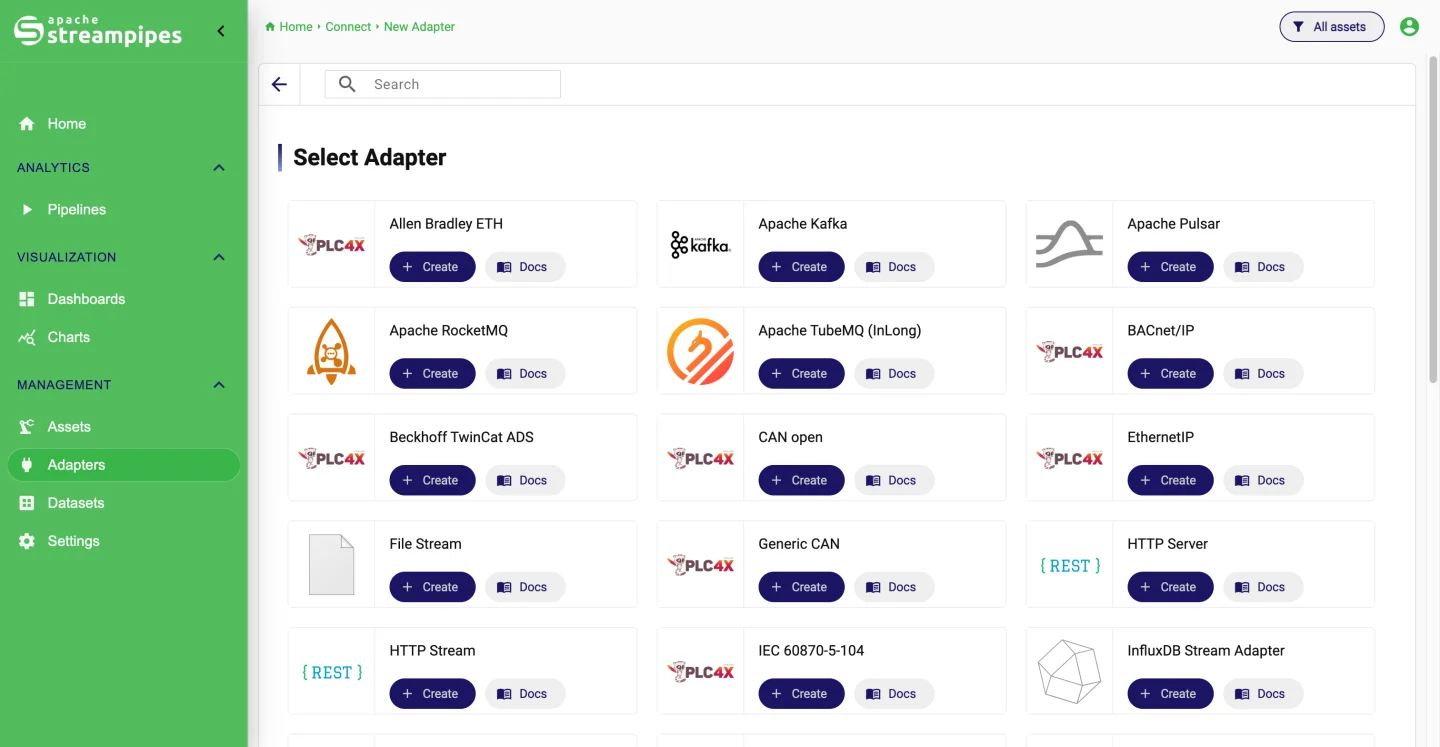
Works with the systems you already have.
 OPC UA
 Siemens S7
 Modbus
 MQTT
MQTT Apache Kafka
 Apache Pulsar
 NATS
NATS InfluxDB
 Apache IoTDB
 PostgreSQL
 Slack
Slack ROS
ROS OI4
OI4 Milvus
From the first connection
to the dashboard.
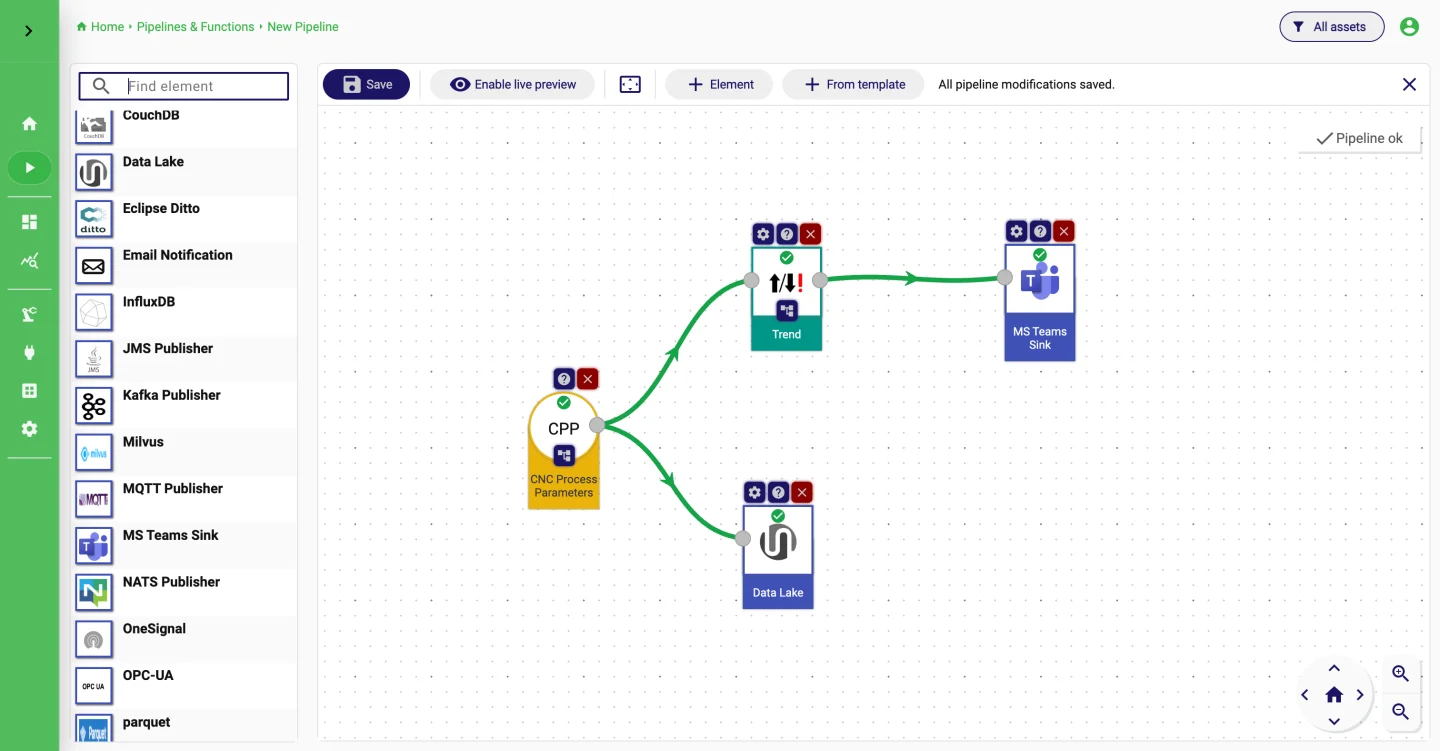
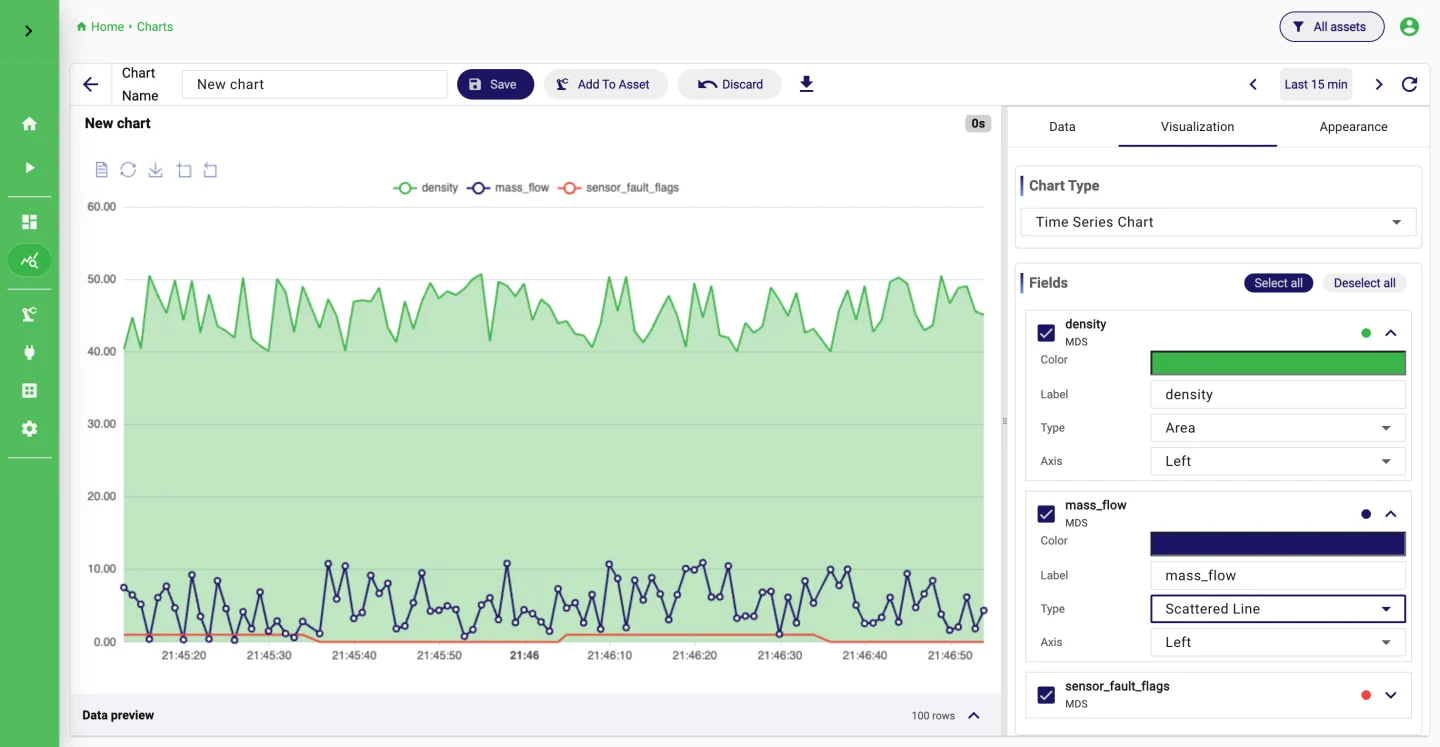
Connecting a machine, processing its data, storing it and charting it usually means four tools. In StreamPipes they are modules of one platform, and all of them are open source.
What people
build with it.
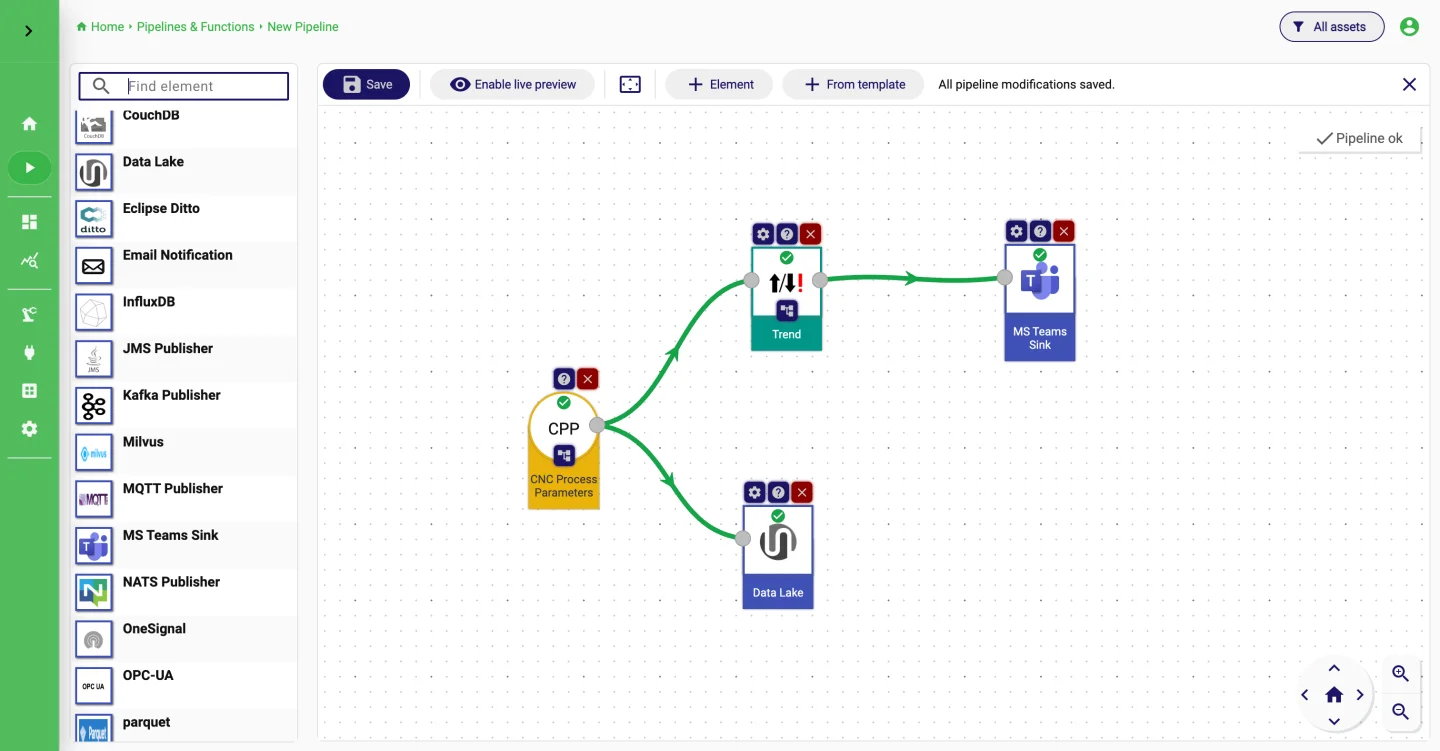
Scenarios we see often, with the adapters, processors and sinks they use and the guide that goes with each.
What happens
to an event.
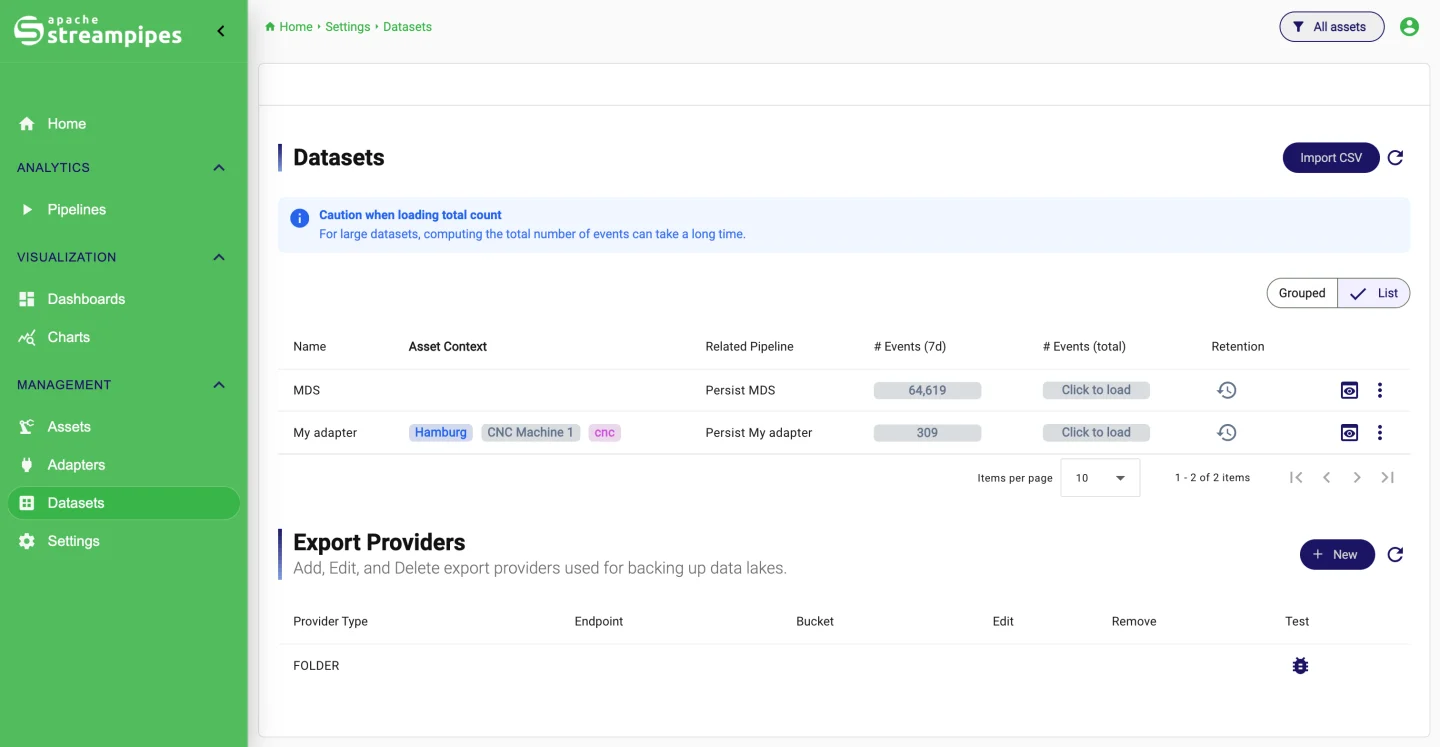
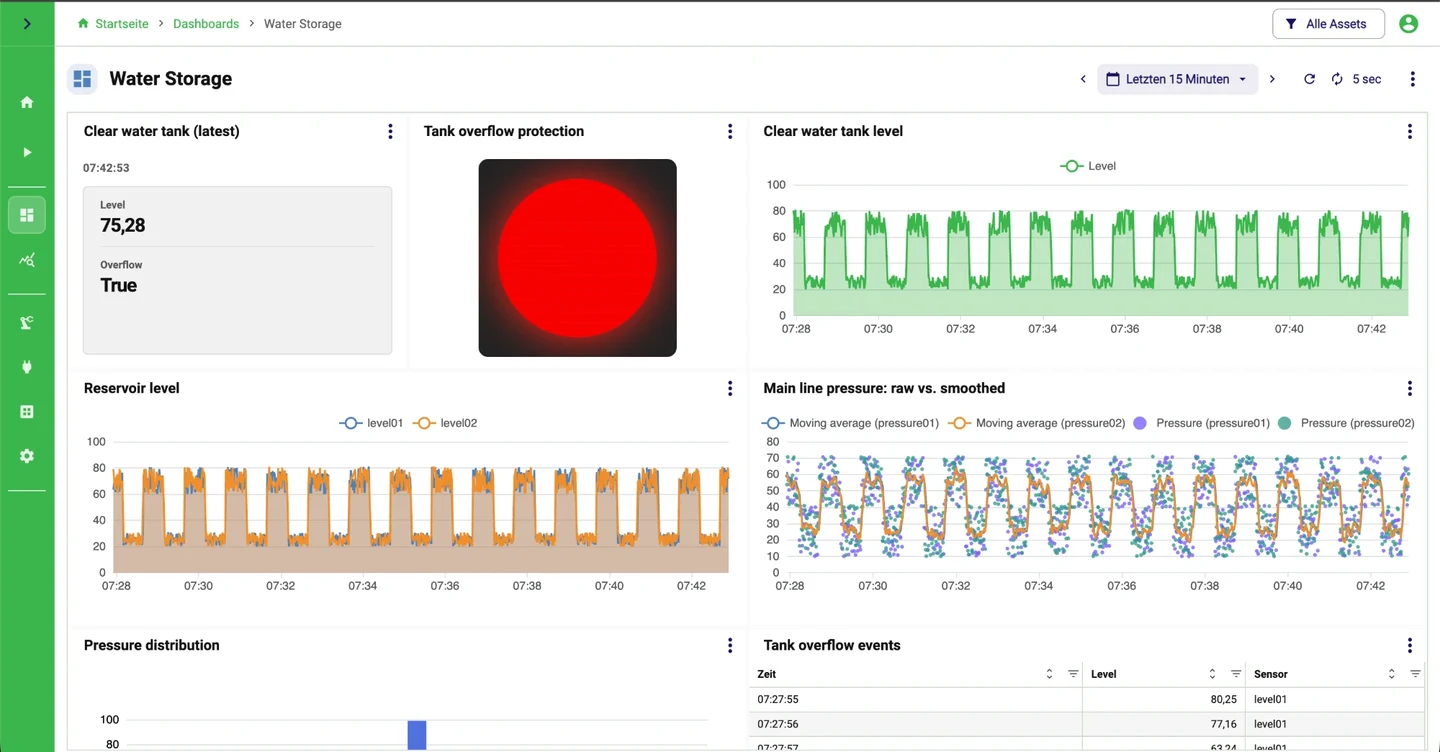
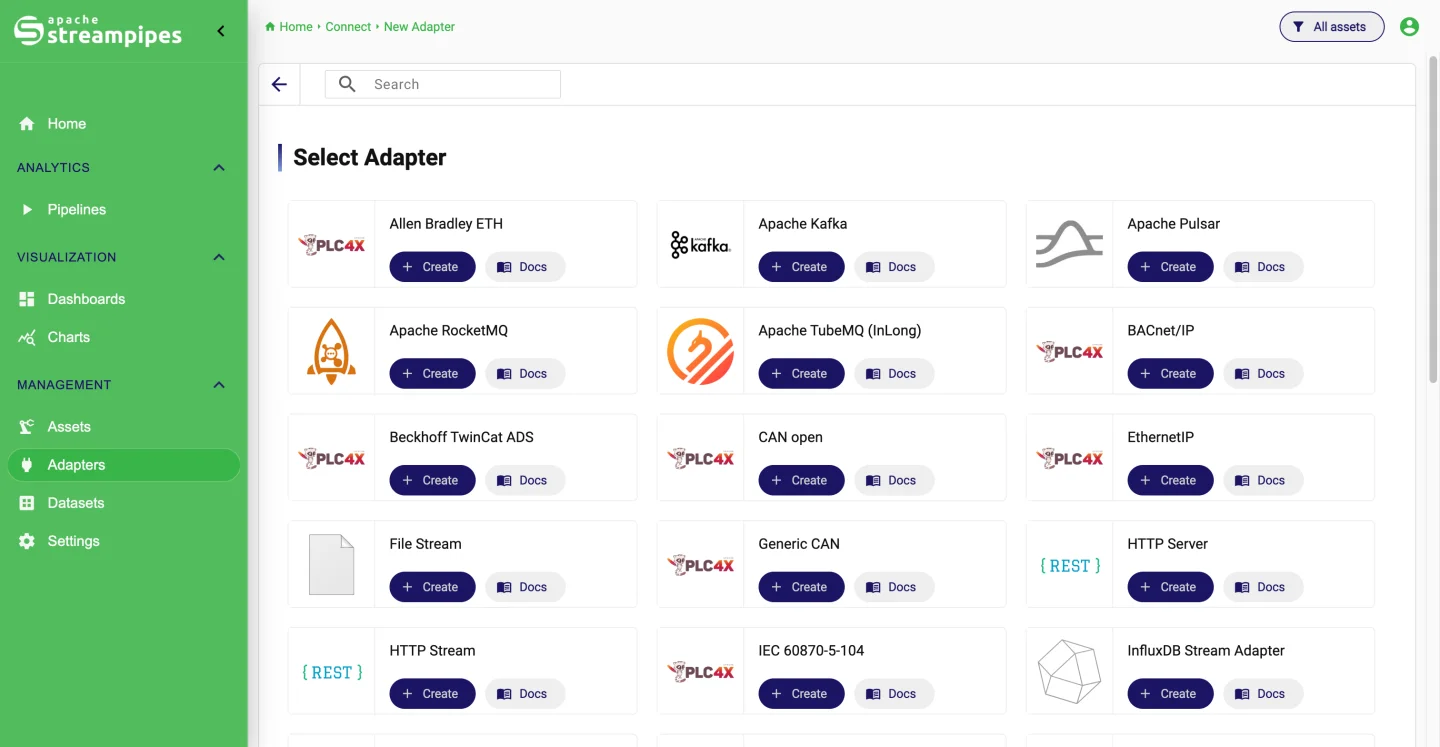
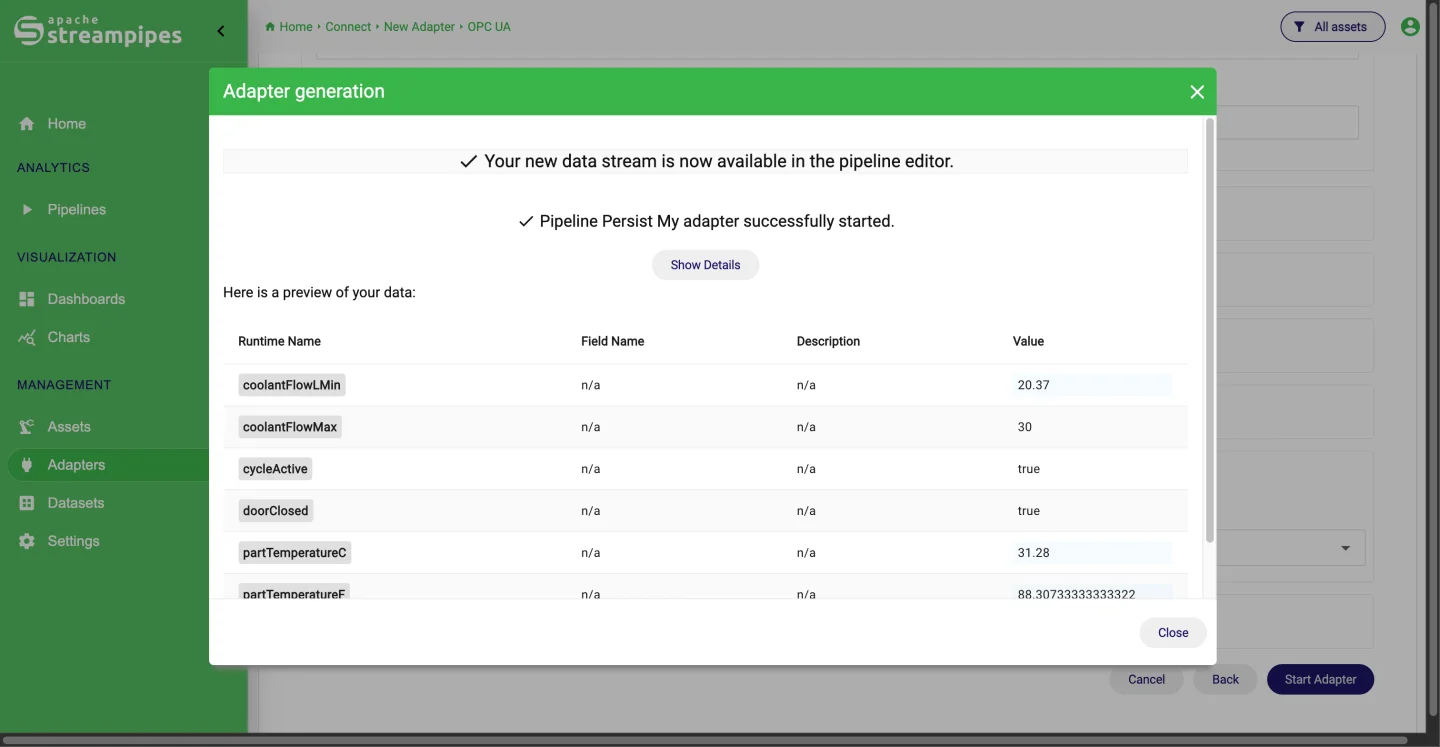
An adapter turns raw signals into a typed stream. Pipelines work on that stream as events arrive. Datasets keep what you want to look at later, and charts and dashboards show it.
- 01Machines and systemsOPC UA, S7, MQTT, Kafka
- 02ConnectAdapters, schemas, units
- 03PipelinesProcessors and sinks
- 04DatasetsHistory and retention
- 05Charts and dashboardsOperators and teams
Several services,
one platform.
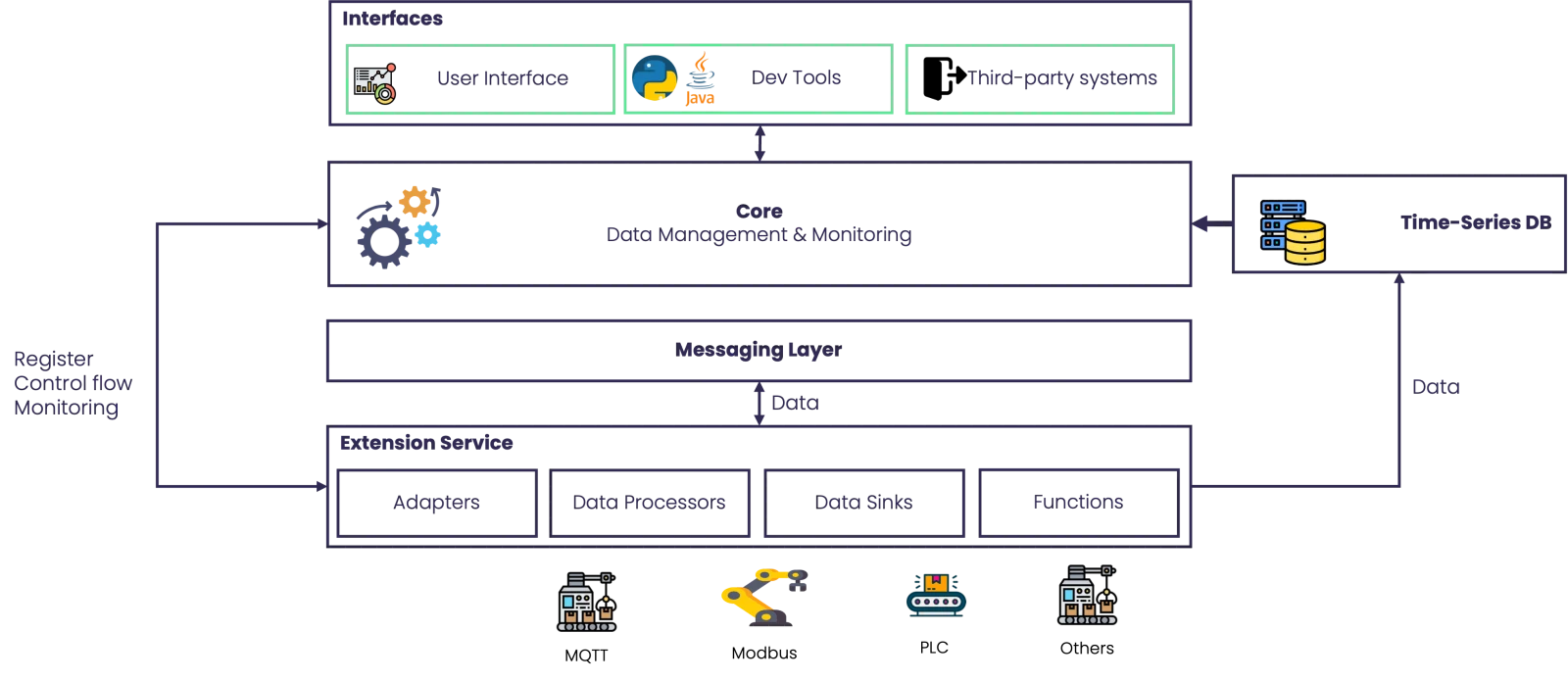
A core, a message broker, and as many extension services as you need. Run all of it on one host with Docker Compose, or put the extension services into the plants and the core into the data center.
- 01
Interfaces
The web UI for daily work, plus Java and Python clients and a REST API for anything you want to automate.
- 02
Core
Keeps track of adapters, pipelines, datasets, assets and users, watches what is running, and serves the UI.
- 03
Messaging layer
NATS or Kafka moves events between adapters, pipelines and sinks. Nothing talks point to point, so each part can run where it makes sense.
- 04
Extension services
Adapters, processors, sinks and Functions are packaged as separate services. Write your own with the SDK and install them while the platform is running.
- 05
Time-series storage
Datasets go into a time-series database. Retention rules decide how long they stay, and you can export them as CSV, JSON or Excel.
Extension services in the plant, the core in your data center.
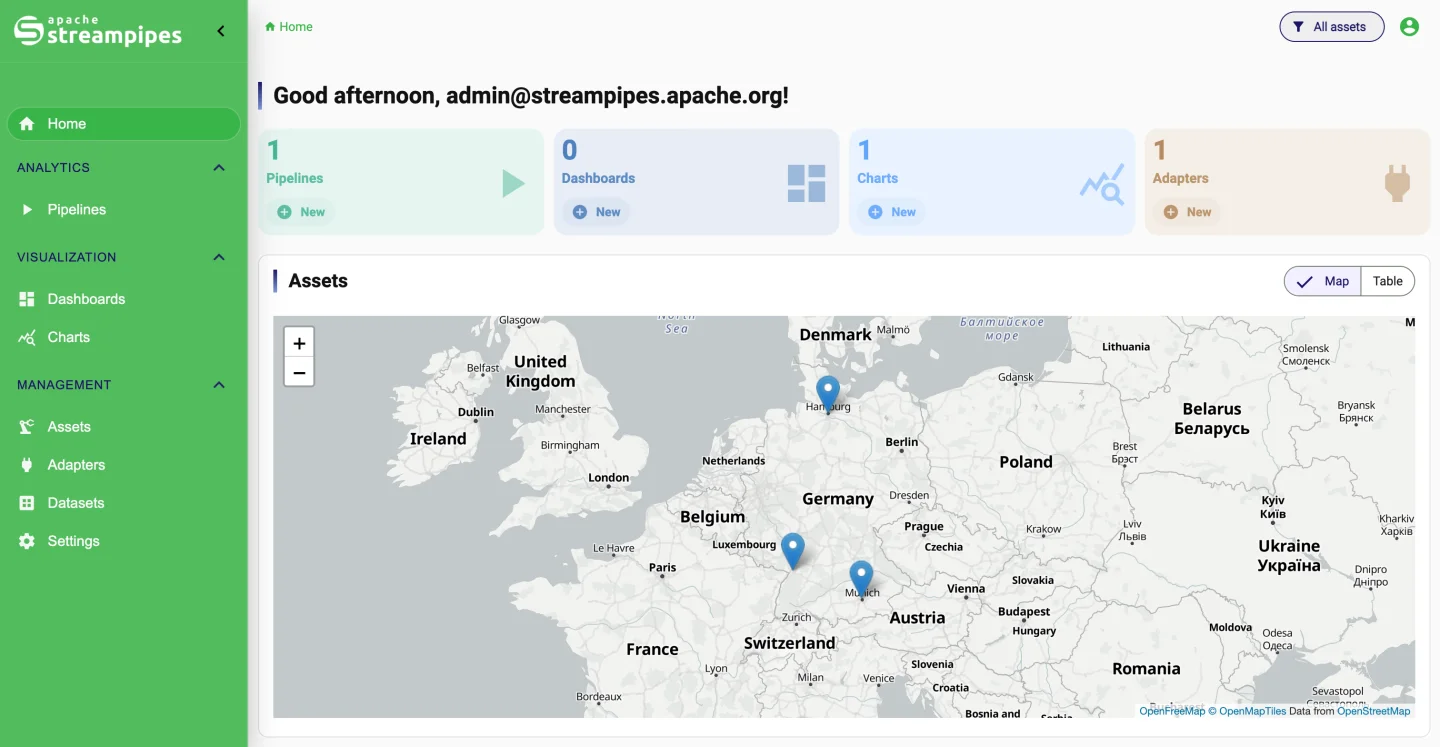
Each plant runs a small extension service next to its PLCs and machines. The service connects outbound to the broker, so you do not open any ports into the OT network. The core, the storage and the heavier processing stay in IT.
- OTPlant networkPLCs, OPC UA servers and sensors feed an edge extension service with adapters and Functions
- FWFirewallEdge services connect outbound to the broker; no inbound ports on the OT side
- ITData center or cloudMessage broker, core with UI and APIs, time-series storage, processors and sinks
- 01
Run it where the data is
Put extension services into the plant network, next to the equipment, and keep the core in the data center or in the cloud. The broker connects the two.
- 02
Start small, grow in place
One Docker Compose host is enough to try things out. The same services scale out on Kubernetes later, and your pipelines stay as they are.
- 03
The data stays yours
Everything runs on infrastructure you control. There is no usage metering and no proprietary format, and you can export a dataset whenever you want to.
The things
IT will ask about.
Single sign-on, roles and permissions, an audit log, retention rules and encrypted connections are part of the platform. There is no separate enterprise edition.
Also in the box: a terms-of-use screen after login, switches for self-registration and password recovery, and a configurable app name. All of it under the Apache license.
Use it from
code, too.
The visual tools are the start. Python and Java clients, Functions for event-driven code and an SDK for your own extensions cover the rest.
Your data in a notebook.
Load a dataset into pandas, subscribe to a live stream, or script the platform from Python.
# With an authenticated StreamPipes client
# and an existing dataset named "flow-rate":

dataset = client.dataLakeMeasureApi.get(
    identifier="flow-rate"
)

frame = dataset.to_pandas()
print(frame.describe())
Up and running
in a few minutes.
The command on the right downloads the Compose files for release 0.98.0 and starts StreamPipes with Docker. From there, the quickstart takes you from a first data source to a dashboard.
mkdir -p streampipes-0.98.0 && cd streampipes-0.98.0 \
  && curl -fsSLO https://raw.githubusercontent.com/apache/streampipes/0.98.0/installer/compose/docker-compose.yml \
  && curl -fsSLO https://raw.githubusercontent.com/apache/streampipes/0.98.0/installer/compose/.env \
  && docker compose up -d
GitHub Discussions
Questions, ideas, and showing what you built. The maintainers read it.
Mailing lists
The user list for questions, the dev list for decisions. This is how Apache projects work.
Support and training
The community helps on GitHub. If you need guaranteed response times, companies around the project offer support contracts.
Contribute
Code, docs, tests, ideas. Start with a discussion or pick an issue labelled good first issue.