Apache StreamPipes Documentation
Apache StreamPipes is an open-source data platform for the Industrial IoT. It helps teams set up an on-premise, extensible environment for connecting machines and software systems, turning incoming events into reusable data streams, processing those streams in real time, persisting historical data, and building charts and dashboards on top. For developers, StreamPipes offers interfaces to extend the software with custom plugins, and provides client libraries to interact with resources programmatically.
This page is the entry point to the documentation. It helps you understand what StreamPipes does, what the documentation covers, and where to start depending on your goal.
The most important facts
StreamPipes is an industrial data platform
A complete IoT and industrial data platform that covers ingestion, stream processing, historical data, visualization, context modeling, and platform administration.
It can serve as your open-source IoT data infrastructure
StreamPipes is designed so teams can build and operate their own on-premise industrial data stack instead of stitching together separate proprietary tools for ingestion, storage, processing, and visualization.
The main user flow starts with connected data
In most cases, users begin in Connect, create or refine streams, optionally persist them as datasets, and then use them in pipelines, charts, dashboards, and assets.
Live and historical data work together
StreamPipes supports both data in motion and data at rest. A stream can drive live processing while also becoming a dataset for later exploration and visualization.
The platform is intentionally extensible
You can start with the built-in capabilities and extend the platform later with custom adapters, processors, sinks, and UI modules when your infrastructure or domain requires it.
Screenshots
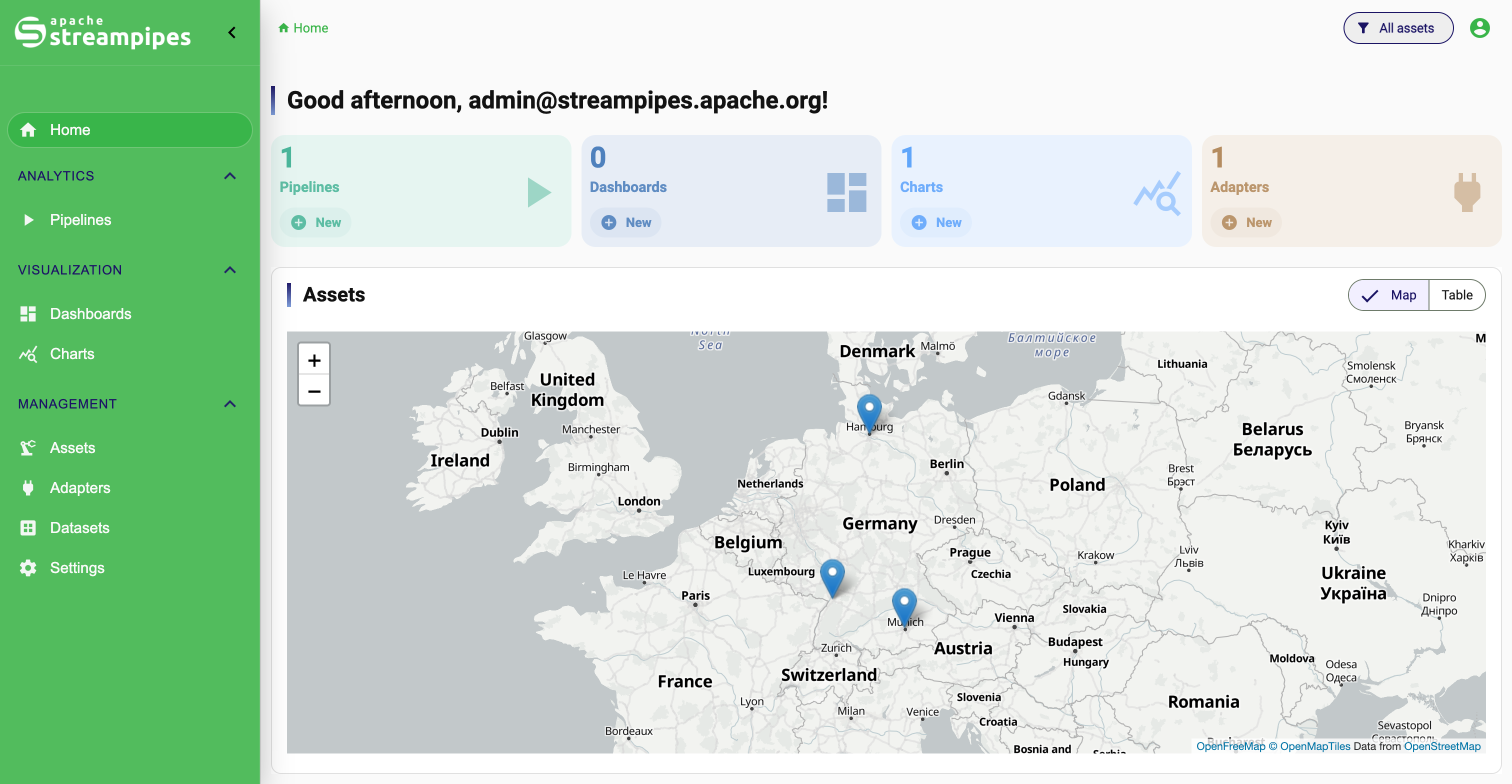
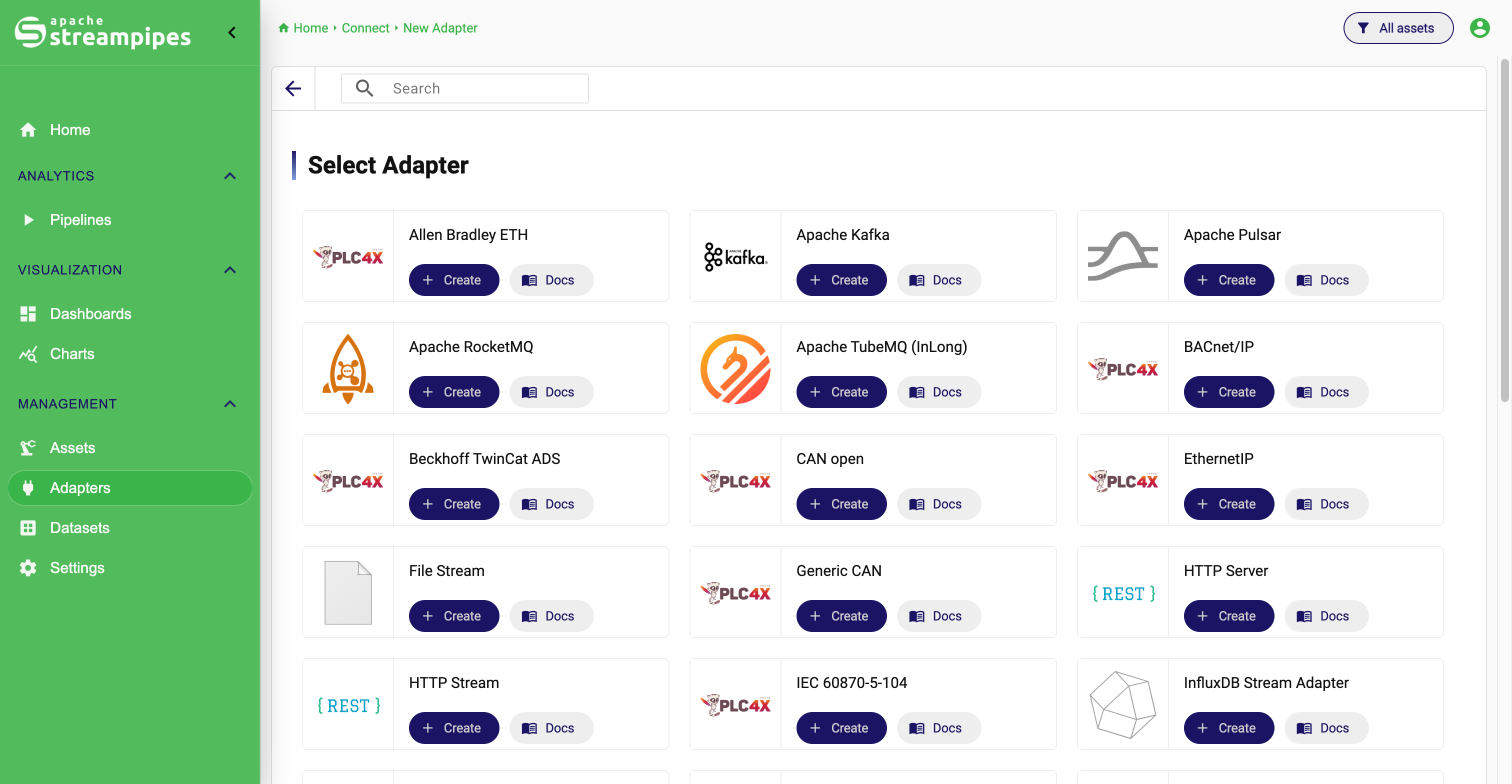
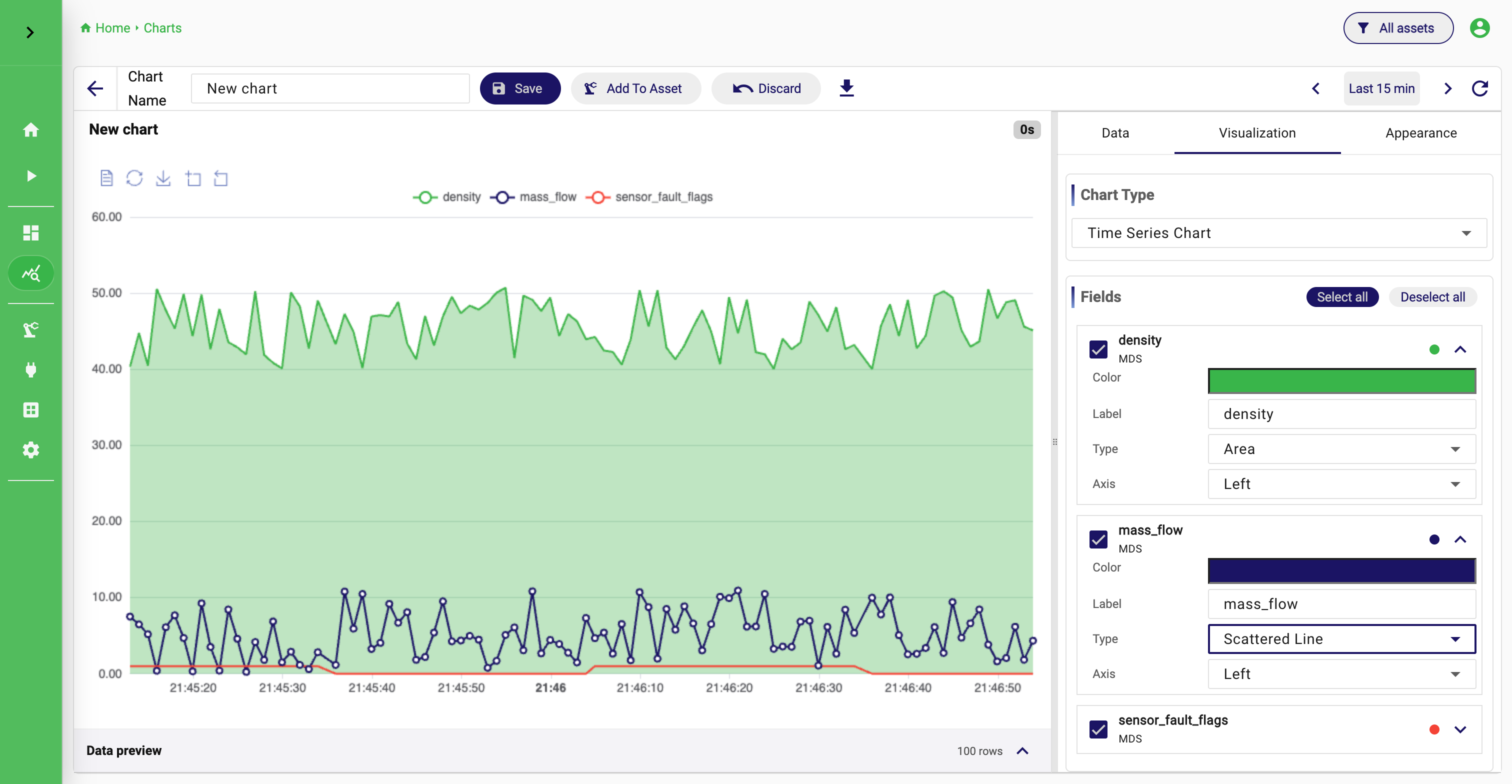
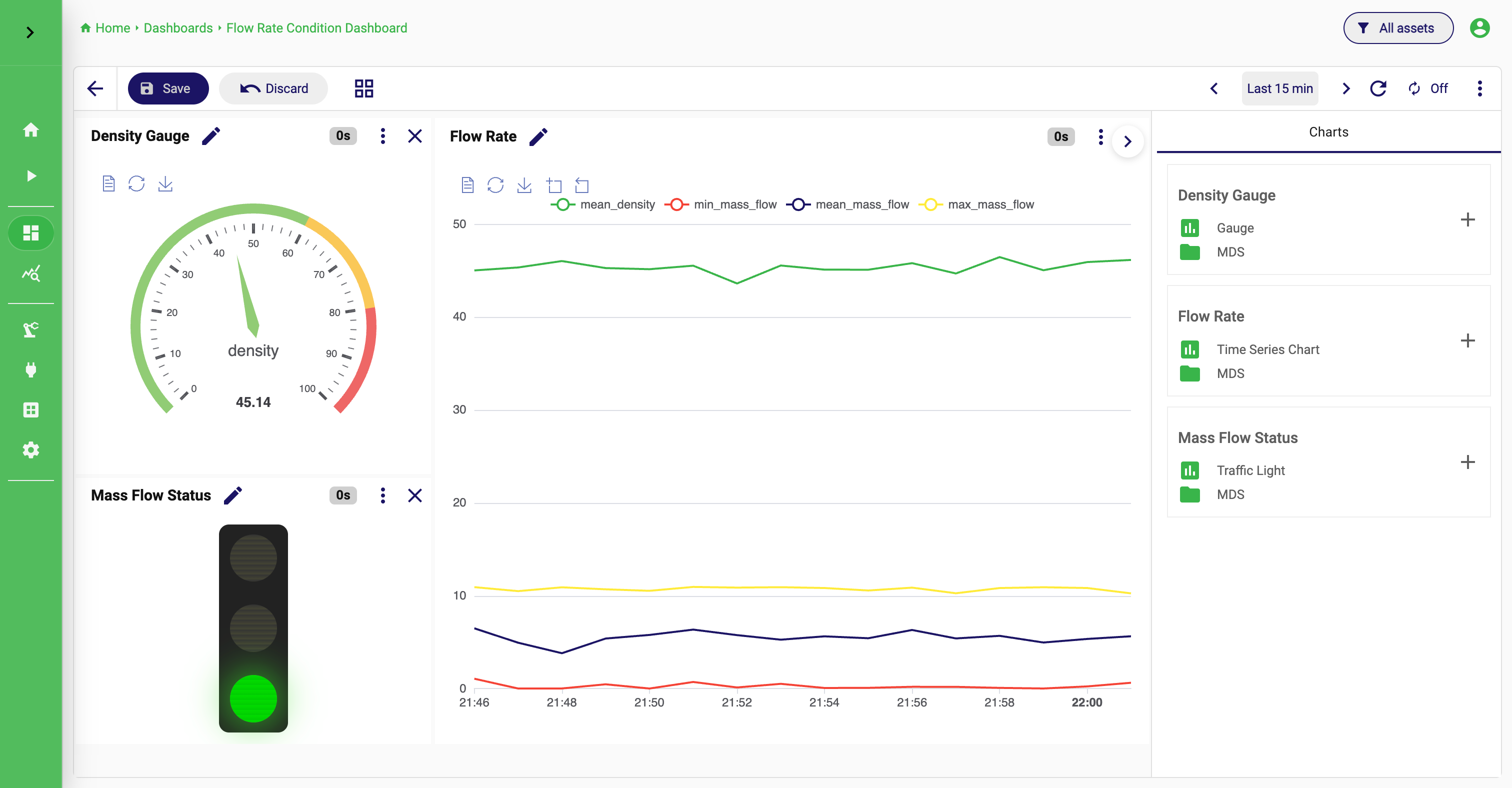
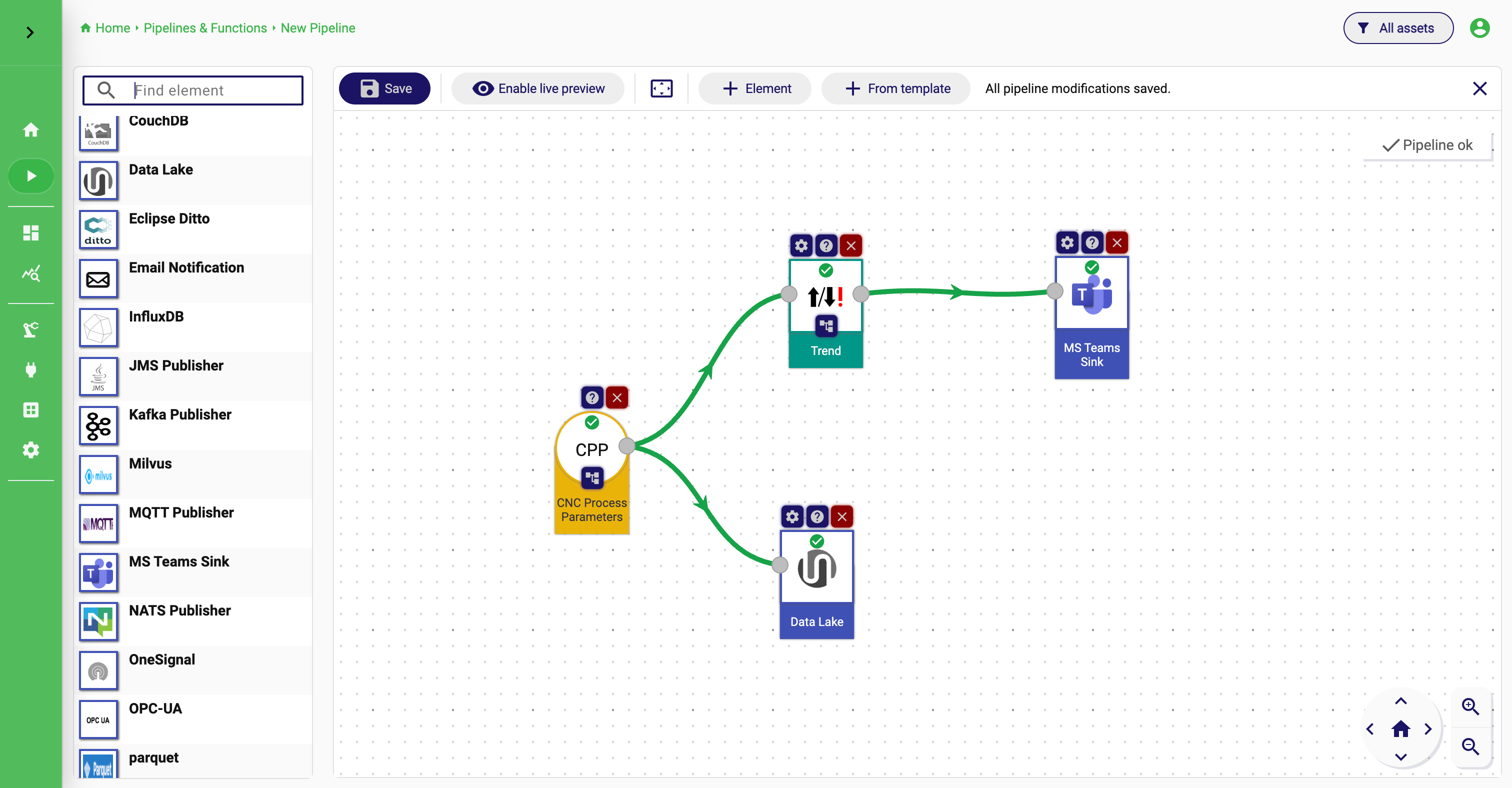
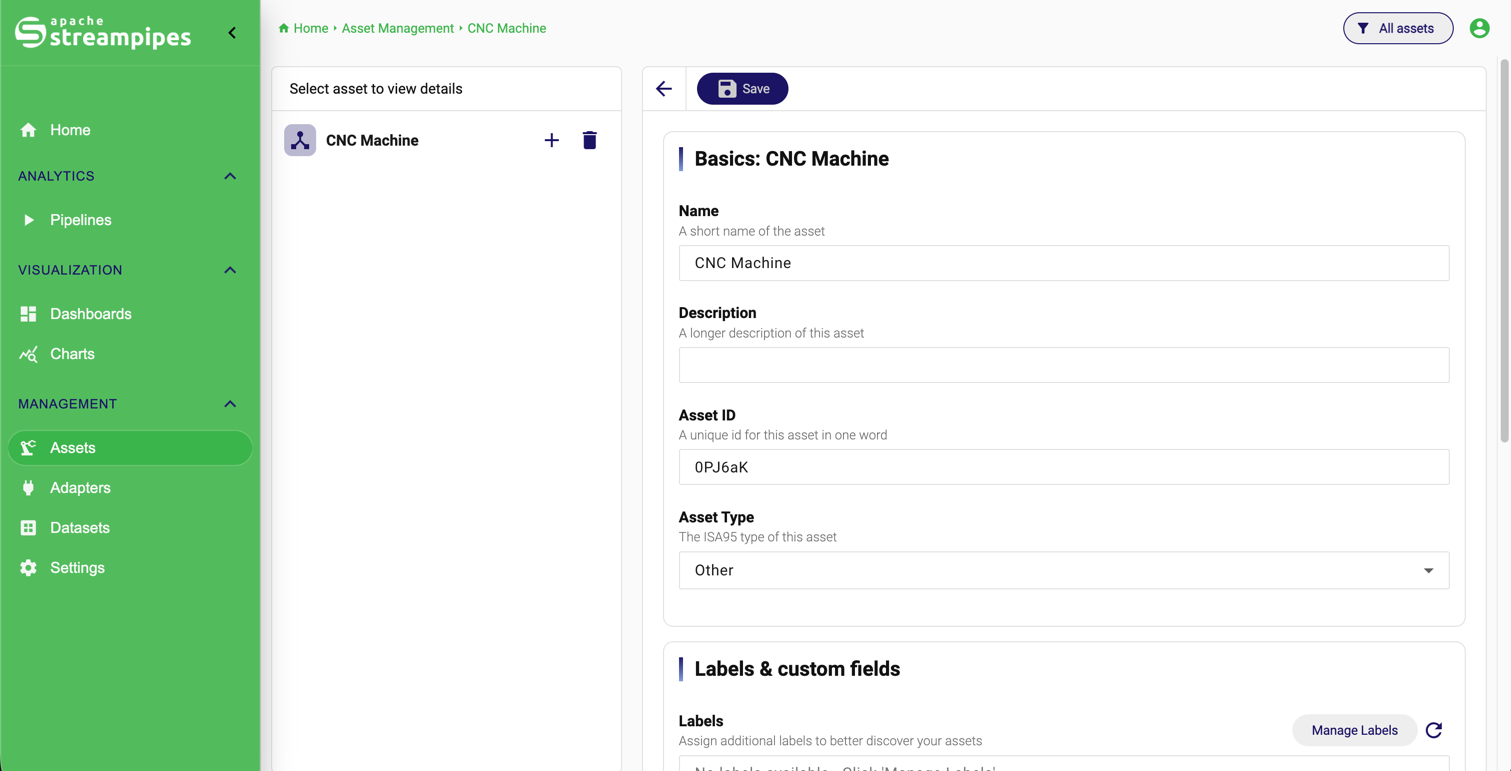
Here are some screenshots that help you understand what you can do with StreamPipes:
StreamPipes Features
What you can do with StreamPipes
In practice, StreamPipes combines several jobs that are often spread across separate tools:
Connect industrial and software sources
Use adapters to bring machine data, broker data, and other source events into the platform.
Refine and govern event structures
Inspect sample events, shape schemas, enrich field metadata, and normalize streams before other users rely on them.
Process streams in real time
Build pipelines with processors and sinks for filtering, enrichment, routing, notification, storage, and analytics.
Store and explore historical data
Persist streams as datasets so they can be inspected later, downloaded, governed, and reused in charts and dashboards.
Build operational views
Create charts from datasets and combine saved charts into dashboards for monitoring, analysis, and communication.
A simple StreamPipes workflow
A team connects a machine data source from OPC UA, persists the stream as a dataset, creates a chart to validate the data, and then adds that chart to a dashboard used by operators and engineers.
StreamPipes as infrastructure
One of the most important points to understand is that StreamPipes is not only a convenient UI for selected data tasks. It can be used as the foundation of an open-source IoT and industrial data infrastructure that teams run themselves.
This is especially relevant when you want to:
- keep industrial data on-premise
- control how ingestion, processing, storage, and visualization are combined
- avoid building a fragmented toolchain around many separate products
- establish one reusable platform for multiple plants, teams, or use cases
In that role, StreamPipes provides a coherent operating model across:
- source onboarding
- real-time processing
- historical persistence
- visualization and monitoring
- industrial context modeling
- extension and administration
The platform is also intentionally extensible. Teams can start with built-in functionality and later add custom adapters, processors, sinks, or user interface extensions when company-specific infrastructure or domain logic requires it.
How the documentation is organized
The documentation is structured around the main stages of using and operating the platform.
Start here if you are new
- Quick Start Guide: install StreamPipes and get one complete first workflow running
- Introduction: understand what StreamPipes is and where it fits
- Terms: learn the core platform objects such as adapters, streams, processors, sinks, assets, and datasets
Read these pages to use the product
- Connect IoT Data: onboard and operate data sources
- Pipelines: process live streams in real time
- Datasets: work with persisted historical data
- Charts: query datasets and build visualizations
- Dashboards: assemble saved charts into monitoring views
- Assets & Sites: attach data to industrial structure and context
Read these pages to operate the platform
- General Settings: configure instance-wide behavior
- Manage Extensions: install and manage adapters, processors, and sinks
- Extension Services: inspect services, update service configuration, and manage certificates
- Security: manage access and security-related configuration
Read these pages to extend StreamPipes
- Setup: prepare a development environment
- CLI: scaffold and manage extension work
- First Processor: build a first extension step by step
- Customize UI: extend the user interface
Where most users should begin
If you are using StreamPipes for the first time, this is the recommended reading path:
This order works well because it follows the platform from ingestion to reuse instead of starting with the most complex modeling features first.
Who this documentation is for
Different readers usually come to StreamPipes with different goals.
Operators and process experts
You usually want to connect data, inspect it, and turn it into operational views without building a custom data stack from scratch.
Example: Start with Quick Start, Connect, Datasets, Charts, Dashboards, and Assets.
Data and analytics teams
You usually care about clean event structures, reusable historical data, and a governed path from raw machine signals to analysis-ready datasets.
Example: Start with Concepts, Connect, Datasets, Charts, and Pipelines.
Platform and integration engineers
You usually need to understand extension installation, service configuration, security, deployment, and how the platform fits into the broader OT and IT landscape.
Example: Start with Architecture, Configure & Operate, Extensions, and Extension Services.
Developers extending the platform
You usually need to understand the event model, extension points, SDK structure, and how custom adapters, processors, sinks, or UI modules fit into the system.
Example: Start with Extend and then use the SDK-related pages as reference.
What StreamPipes is not
It also helps to set expectations correctly.
StreamPipes is not:
- only a dashboard tool
- only a pipeline editor
- only a protocol adapter collection
- only a storage layer for time-series data
It becomes most useful when you use it as one connected platform for industrial data onboarding, processing, persistence, visualization, and governance.
Recommended next step
If you want the fastest path to a first result, continue with the Quick Start Guide.
If you want the mental model first, continue with Introduction.