PLC data to Kafka and InfluxDB
Read Siemens S7 and Modbus controllers, clean up units and field names, and forward the events to the systems IT already runs.
The situation
IT wants machine data in Kafka topics and a time-series database, in a schema they can rely on. OT wants nothing installed on the controllers and no connections opened into the plant network.
StreamPipes reads the controllers with its PLC4X adapters, lets you fix names, units and types once in the adapter, and publishes the result to Kafka, InfluxDB or both. The extension service that does the reading can sit next to the machines.
How it works in StreamPipes
- 1
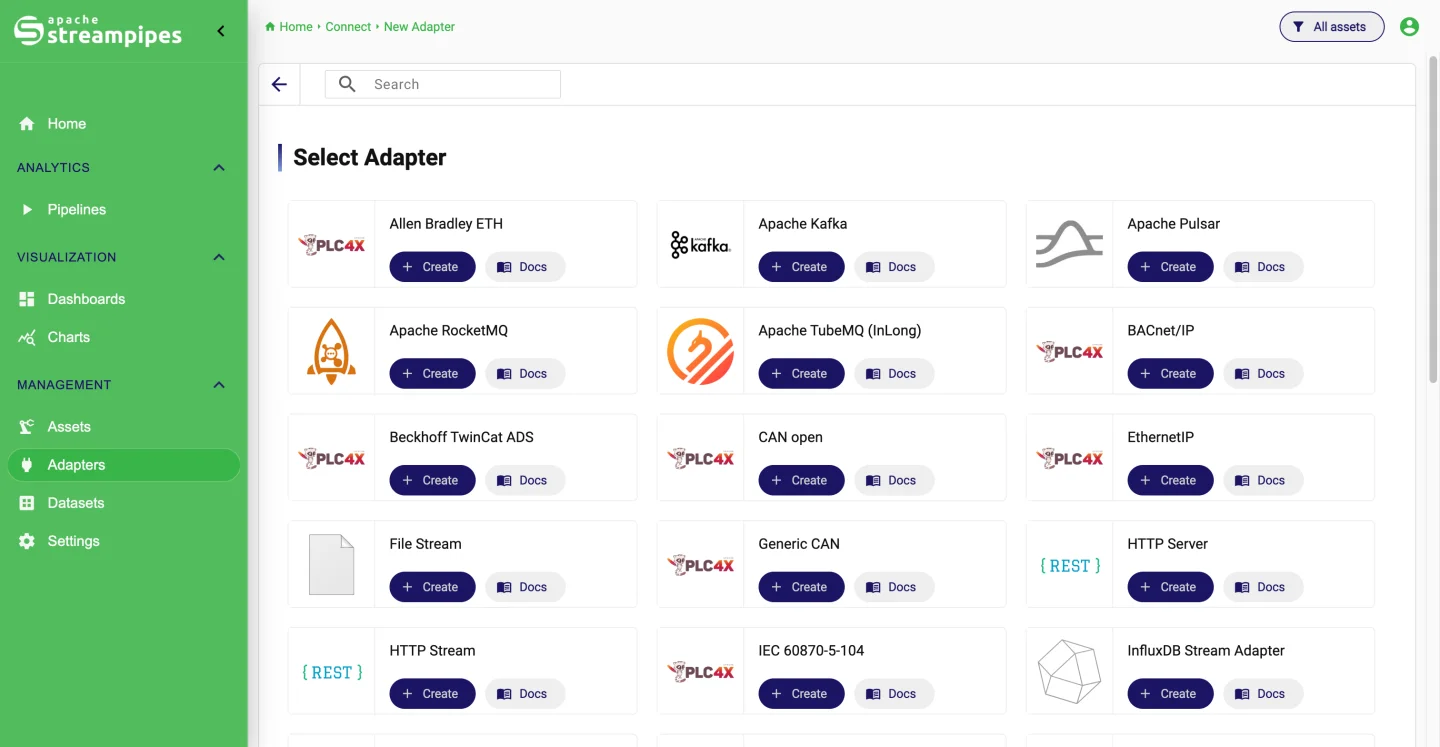
Connect the controller
Create a PLC4X S7 or Modbus TCP adapter, define the addresses to read and the polling interval, and preview incoming events before you start.
- 2
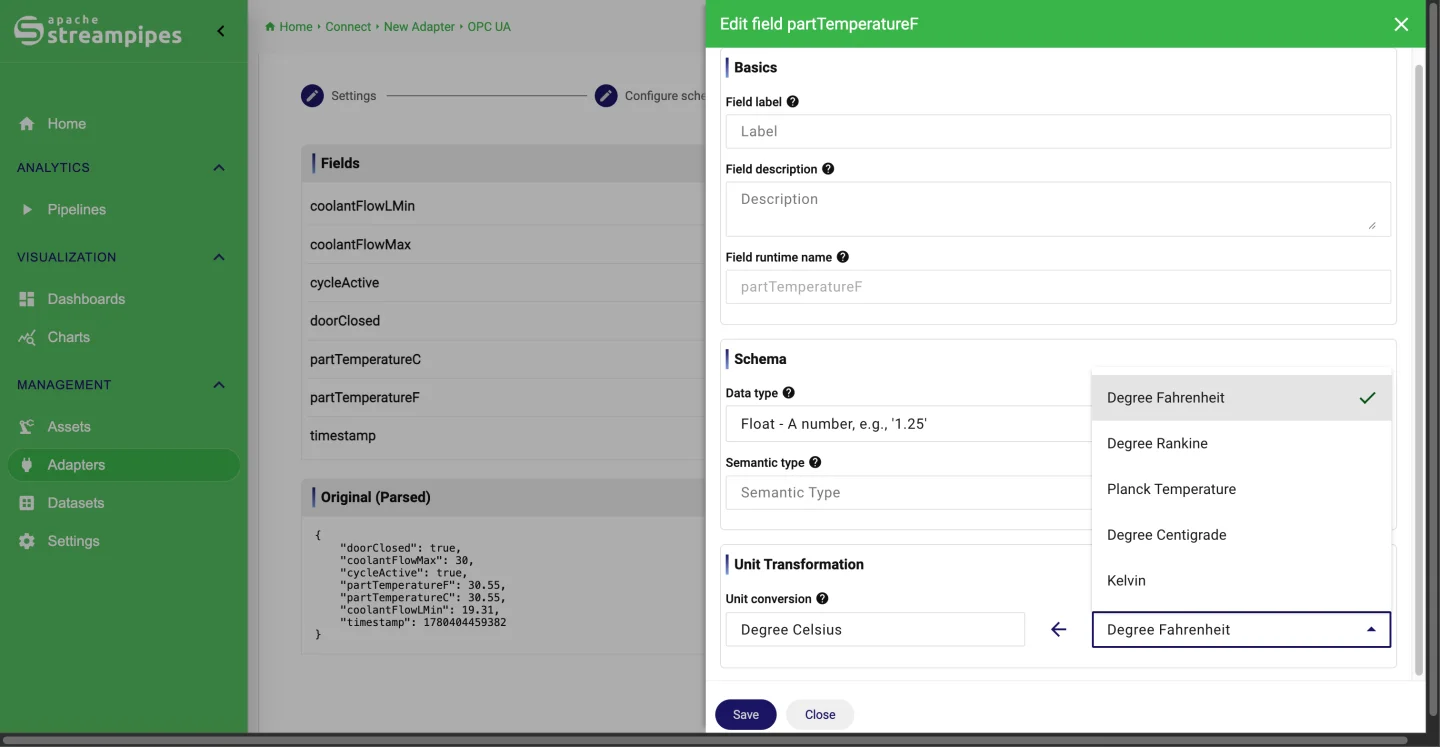
Harmonize the schema
Rename fields, set measurement units and convert them, and attach metadata such as the machine or line, all in the adapter configuration.
- 3
Publish
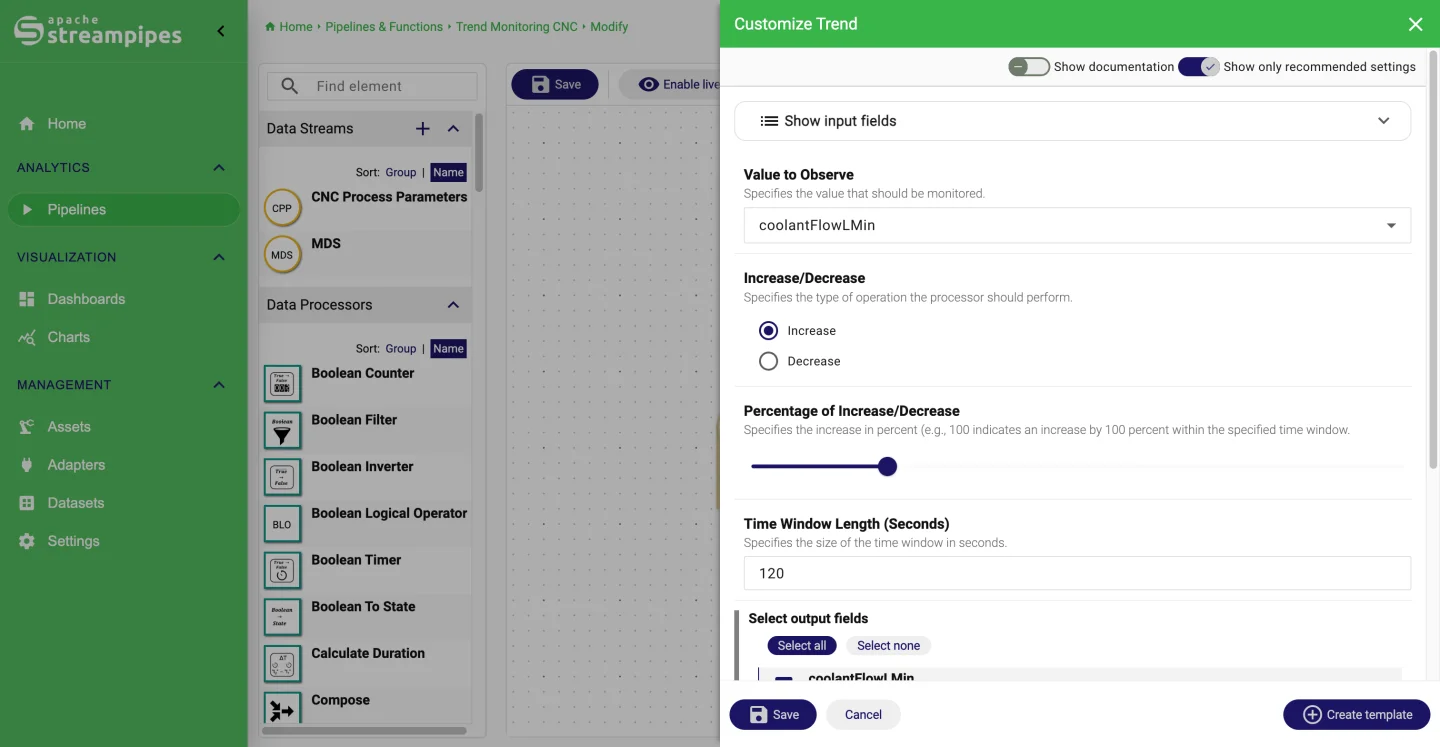
Build a pipeline that ends in a Kafka Publisher and an InfluxDB sink. Add a Numerical Filter or Field Mapper in between if consumers need a subset.
- 4
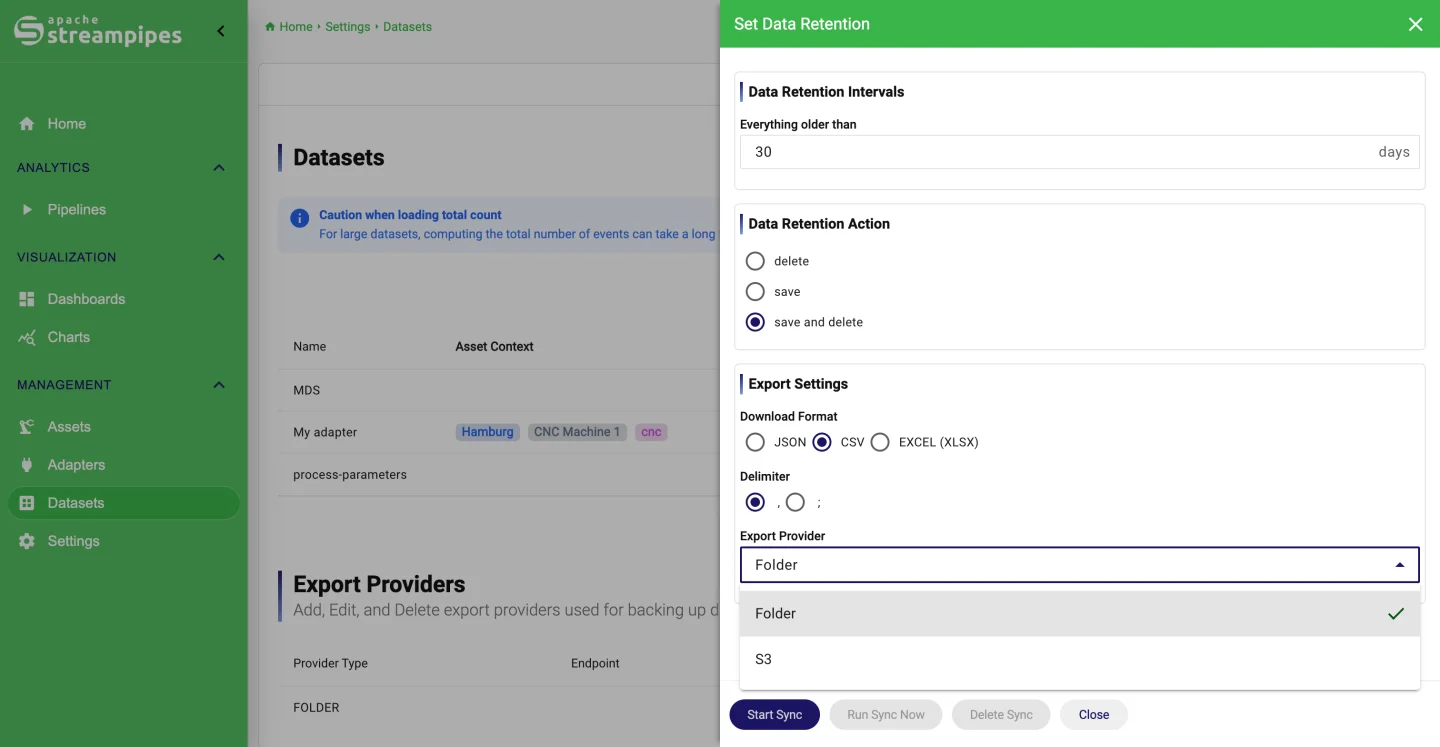
Keep a copy
Persist the stream as a dataset with a retention policy, so the plant keeps its own history for charts and audits.
What it looks like
Go deeper
Try it on your machine.
One command starts StreamPipes with Docker. The quickstart takes you from there to a first dashboard.
mkdir -p streampipes-0.98.0 && cd streampipes-0.98.0 \
  && curl -fsSLO https://raw.githubusercontent.com/apache/streampipes/0.98.0/installer/compose/docker-compose.yml \
  && curl -fsSLO https://raw.githubusercontent.com/apache/streampipes/0.98.0/installer/compose/.env \
  && docker compose up -d