From the first connection to the dashboard.
Connecting a machine, processing its data, storing it and charting it are modules of one product in StreamPipes. This page shows each of them as it appears in the UI. The documentation has the details.
Get the data in.
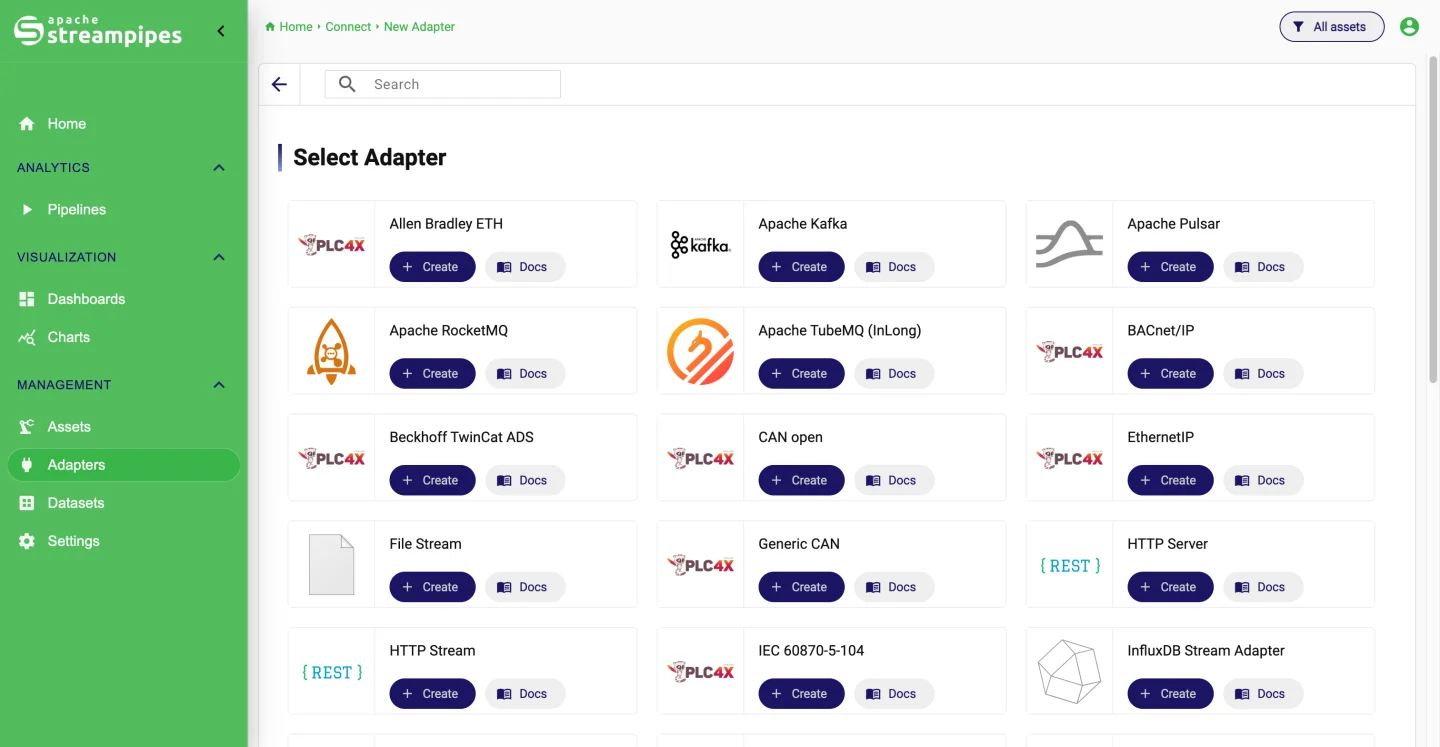
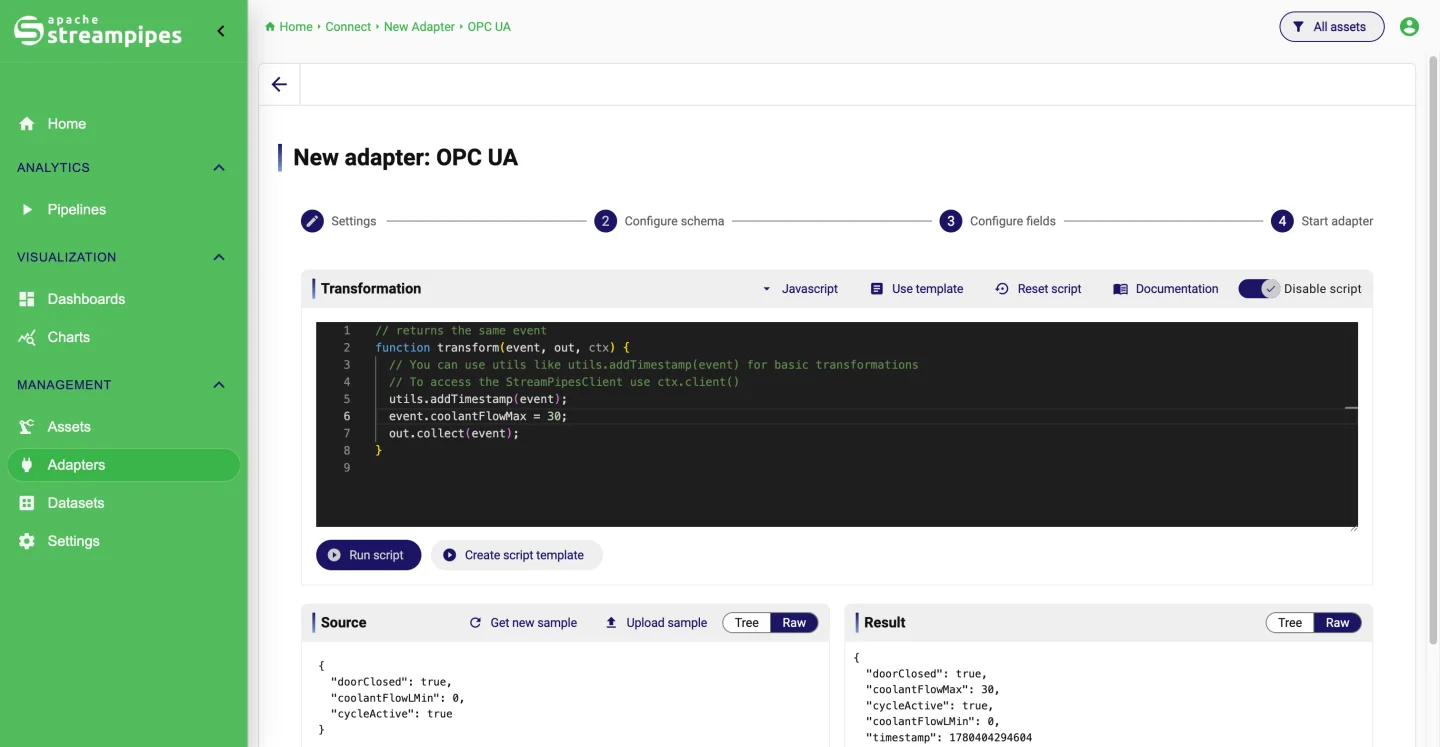
Adapters connect to machines, brokers, databases, files and other software. You see the incoming events before you save anything, and you set field names, types, measurement units and metadata once. Everything downstream uses that description.
- OPC UA with node browser and alarms, Siemens S7, Modbus and other PLC4X protocols
- MQTT, Kafka, Pulsar, NATS, files, HTTP and database adapters
- Live event preview, schema refinement and unit conversion
- Adapter metrics, logs and lifecycle control
Do something with the data as it arrives.
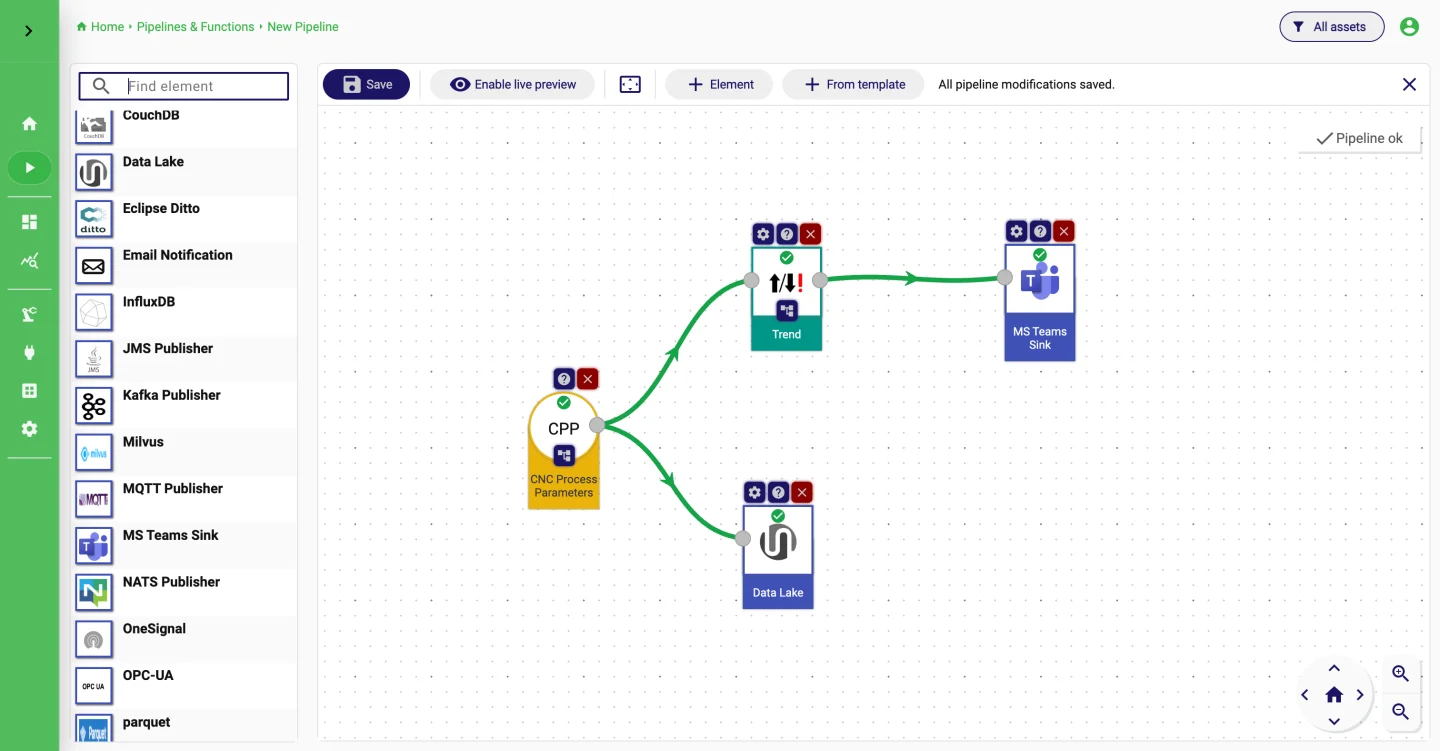
The visual editor connects streams, processors and sinks from left to right. Only elements that fit the incoming schema can be attached, each one is configured against the real fields, and a live preview shows what comes out. Running pipelines report metrics and logs, and templates make recurring patterns easy to repeat.
- Filter, enrich, detect, aggregate and route in real time
- Validated against the stream schema before it runs
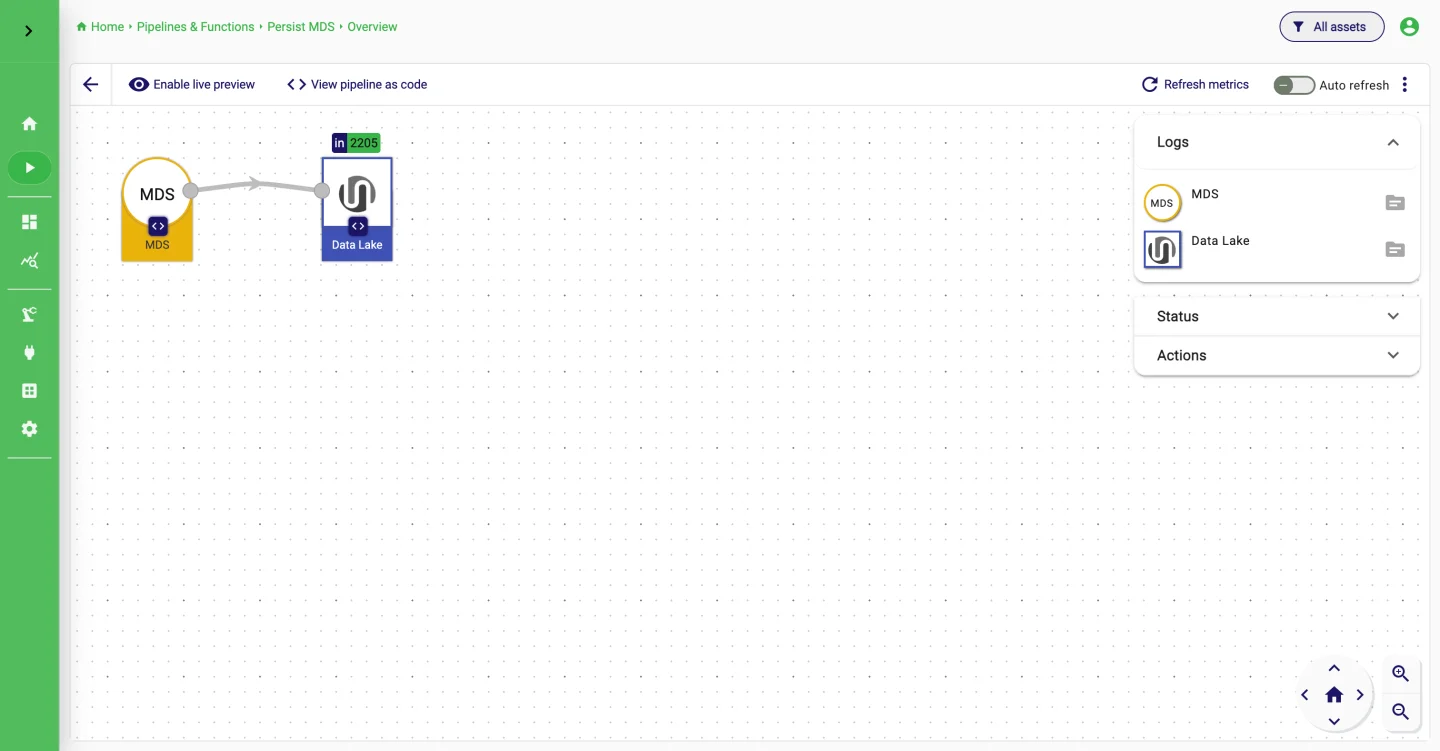
- Live preview, metrics and logs per pipeline
- Templates and pipelines as code for reuse
Keep the history.
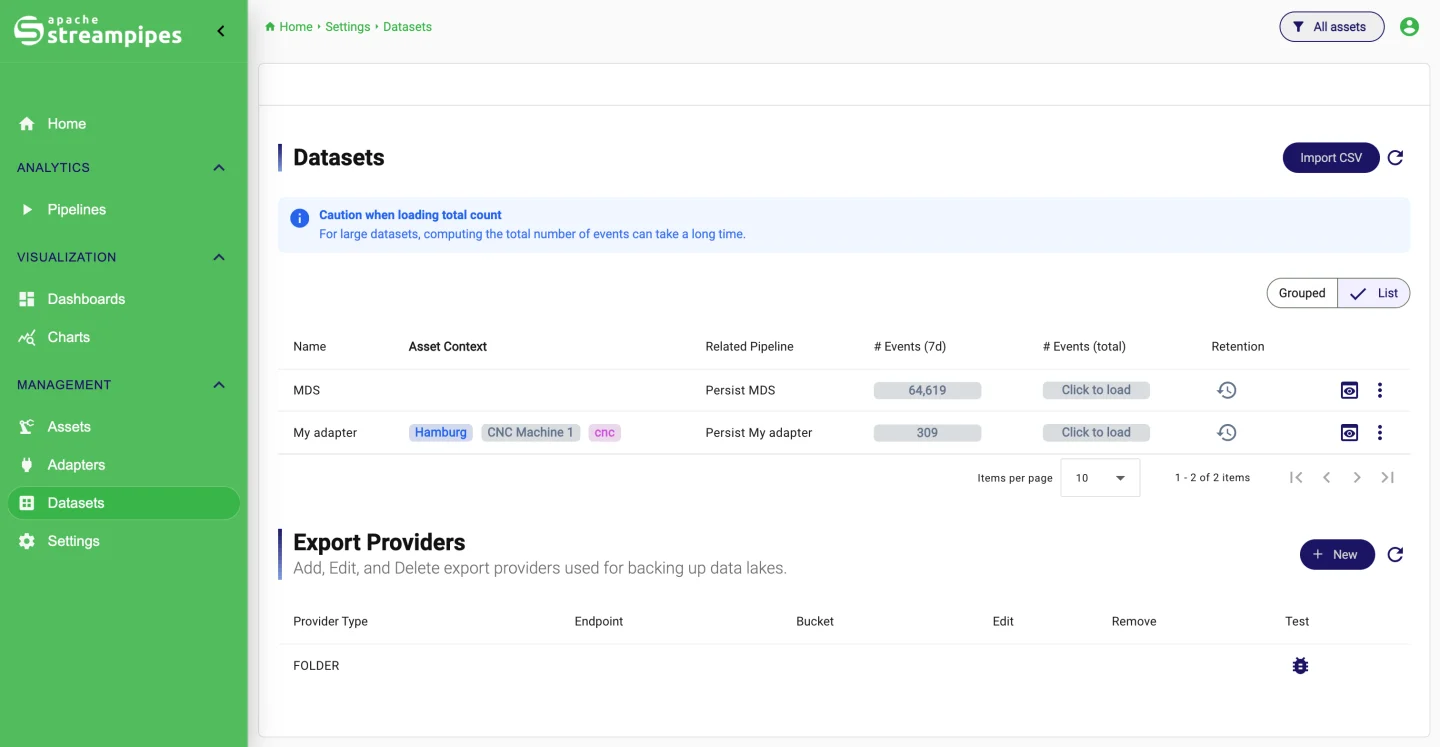
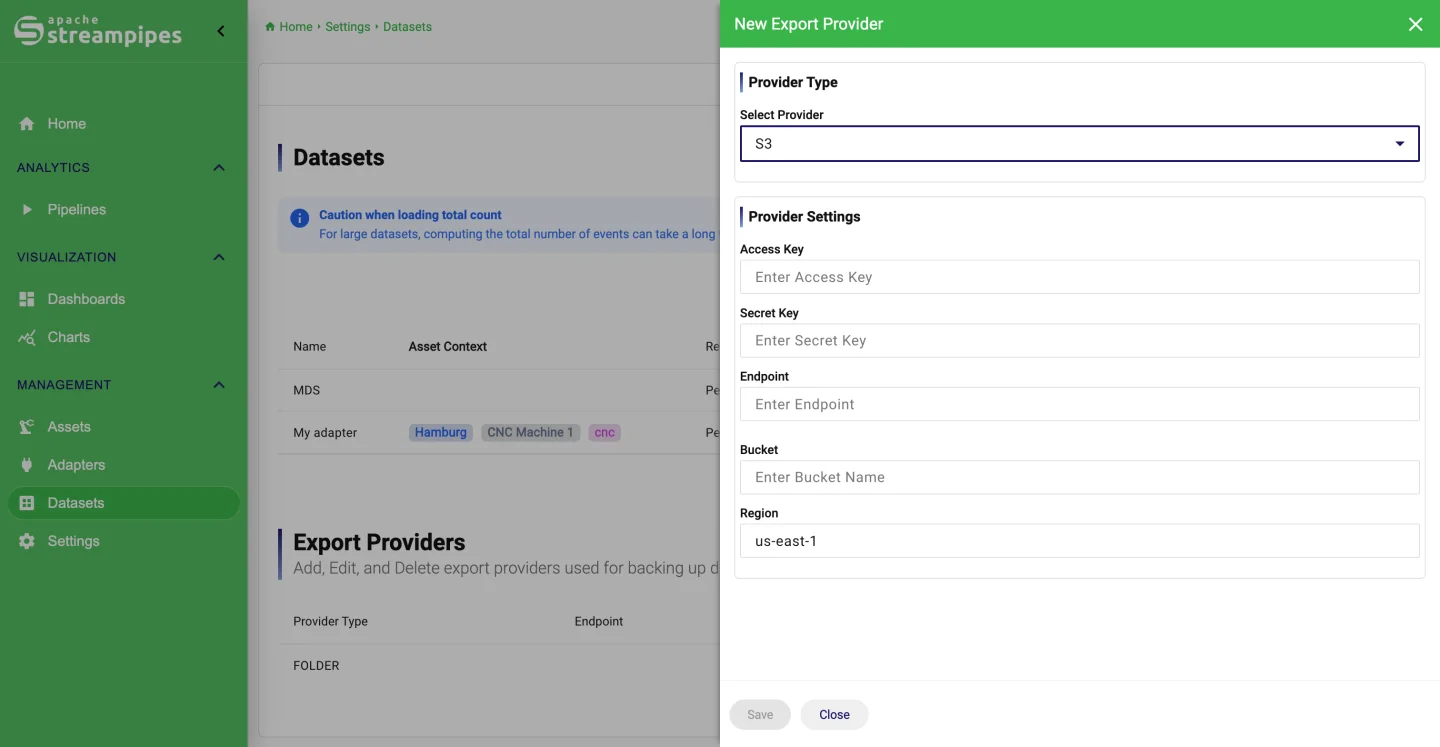
A dataset is a stream you chose to store. Check how fresh and how large it is, preview the stored events, import CSV files if the history did not start with a live connection, and download data when it has to leave the platform. Retention policies delete or archive old data on a schedule; export providers write to a local folder or to S3.
- Persist any stream with one setting
- Import CSV, export CSV, JSON or Excel
- Retention: delete, archive or both, daily to monthly
- Permissions per dataset
Look at the data properly.
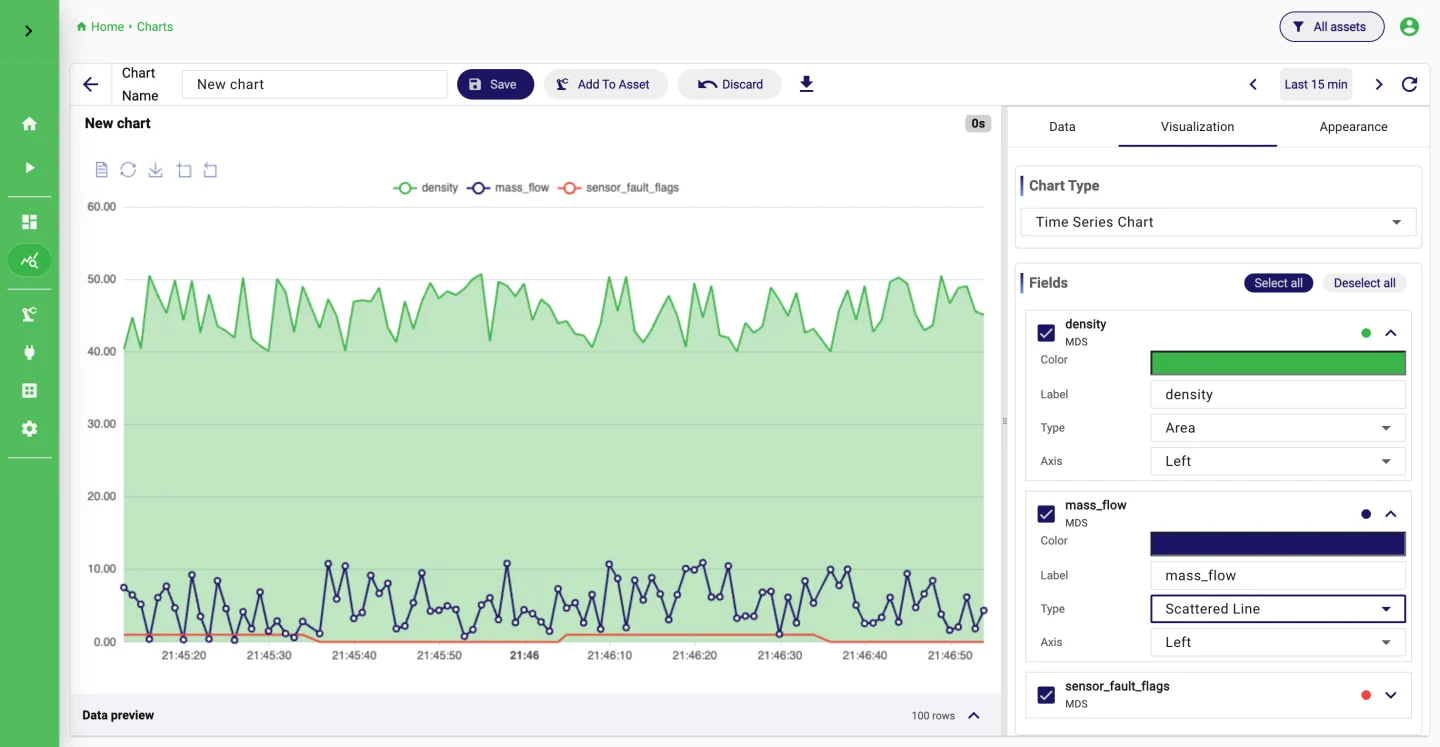
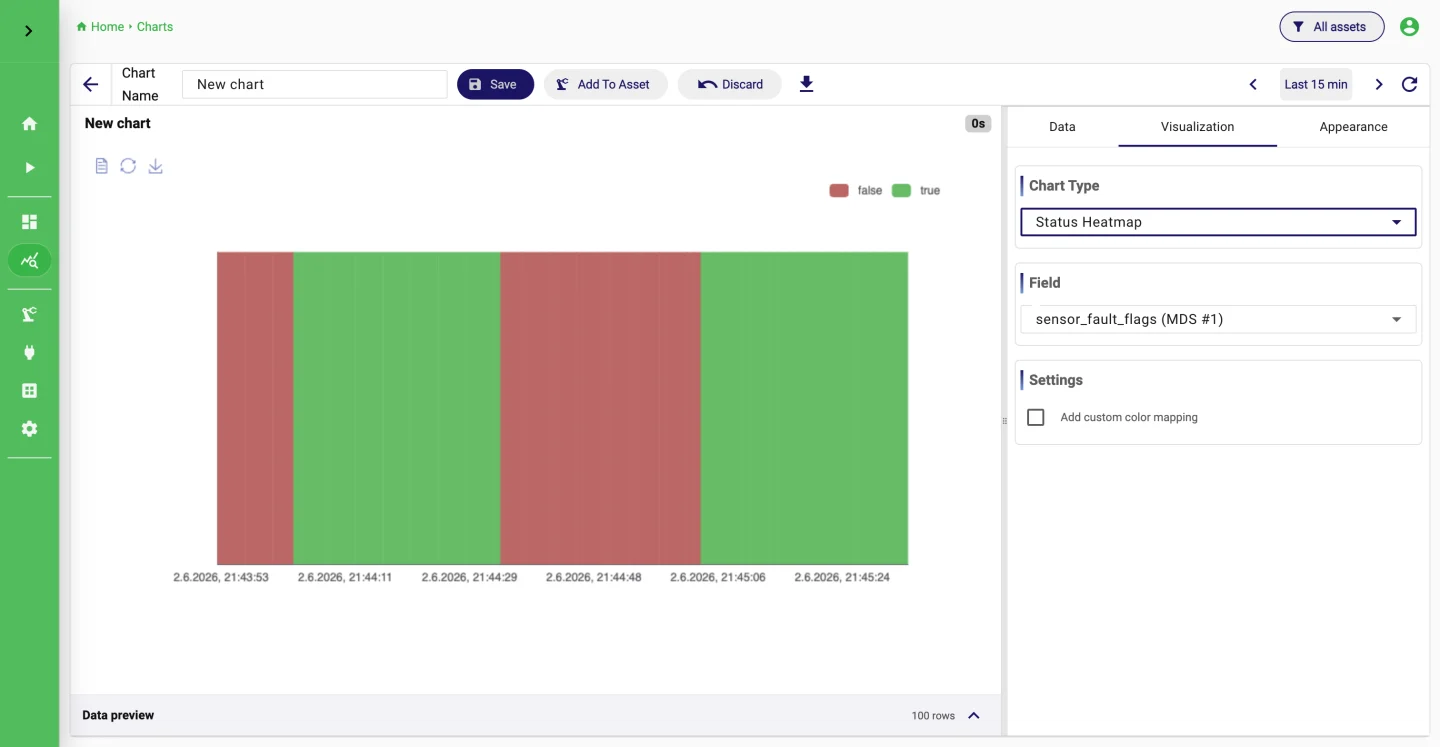
A chart starts with a dataset. You build a query with fields, filters, grouping and aggregation, check the preview, and pick a chart type that fits the question. Time series, heatmaps, distributions, gauges, tables, status and traffic-light charts cover most of what a shop floor needs.
- Raw, aggregated and single-value queries
- Fields, filters, grouping, order and time selection
- Time series, heatmaps, histograms, gauges, tables and more
- Saved charts are reused across dashboards
One screen for the team.
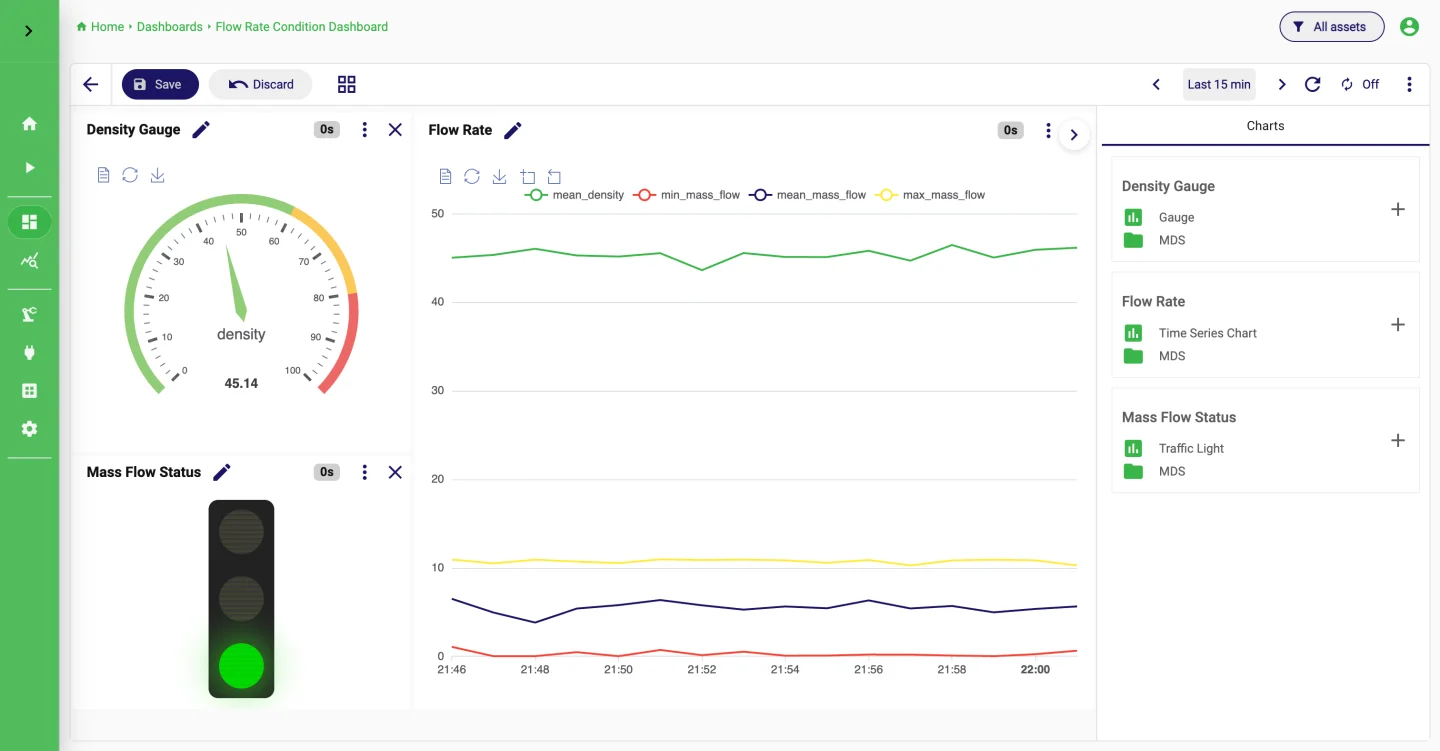
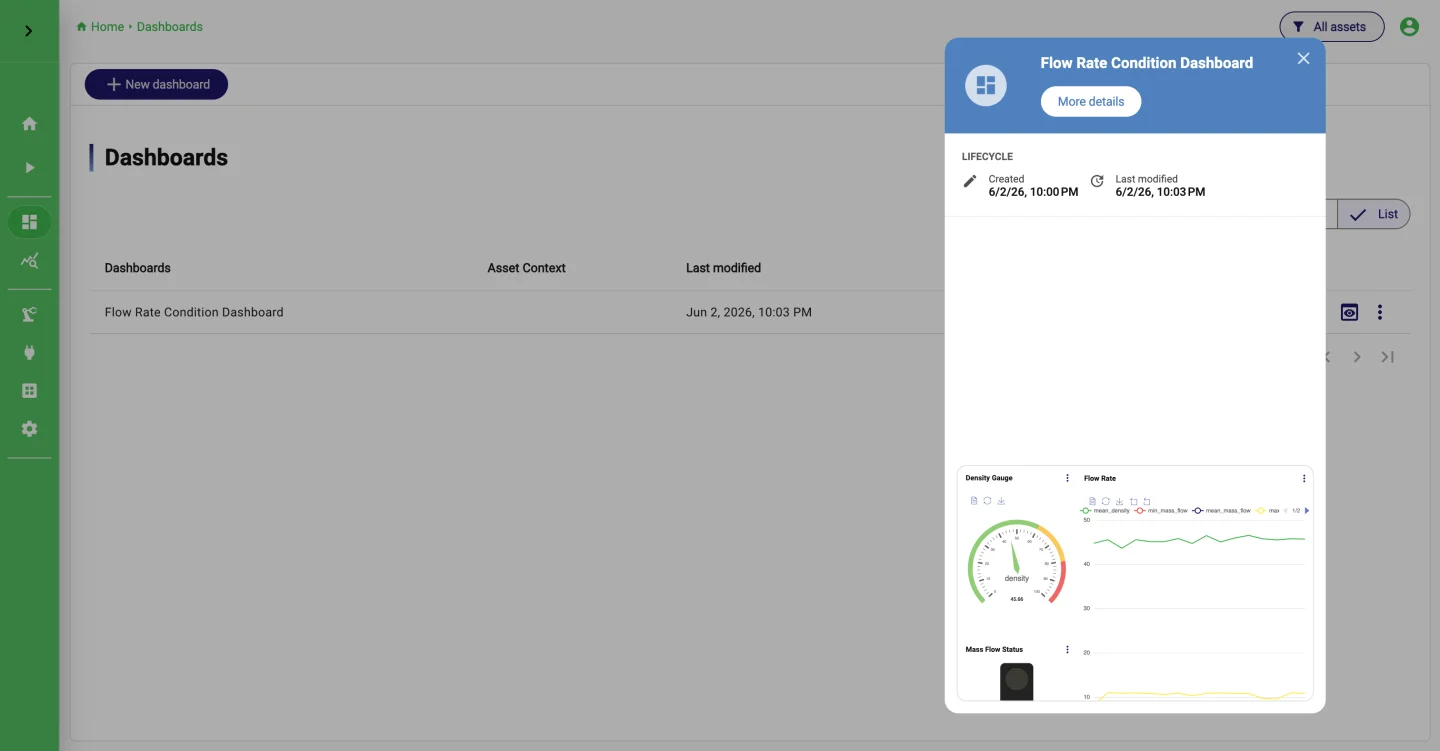
Dashboards put saved charts together for a machine, a line or a process. There are grid and slide layouts, a shared time range across all charts, a kiosk mode for the wall, and links to assets so people find the right dashboard.
- Grid or slide layouts
- Shared time range across charts
- Kiosk mode and cloning
- Linked to assets and governed by permissions
Data in the context of the plant.
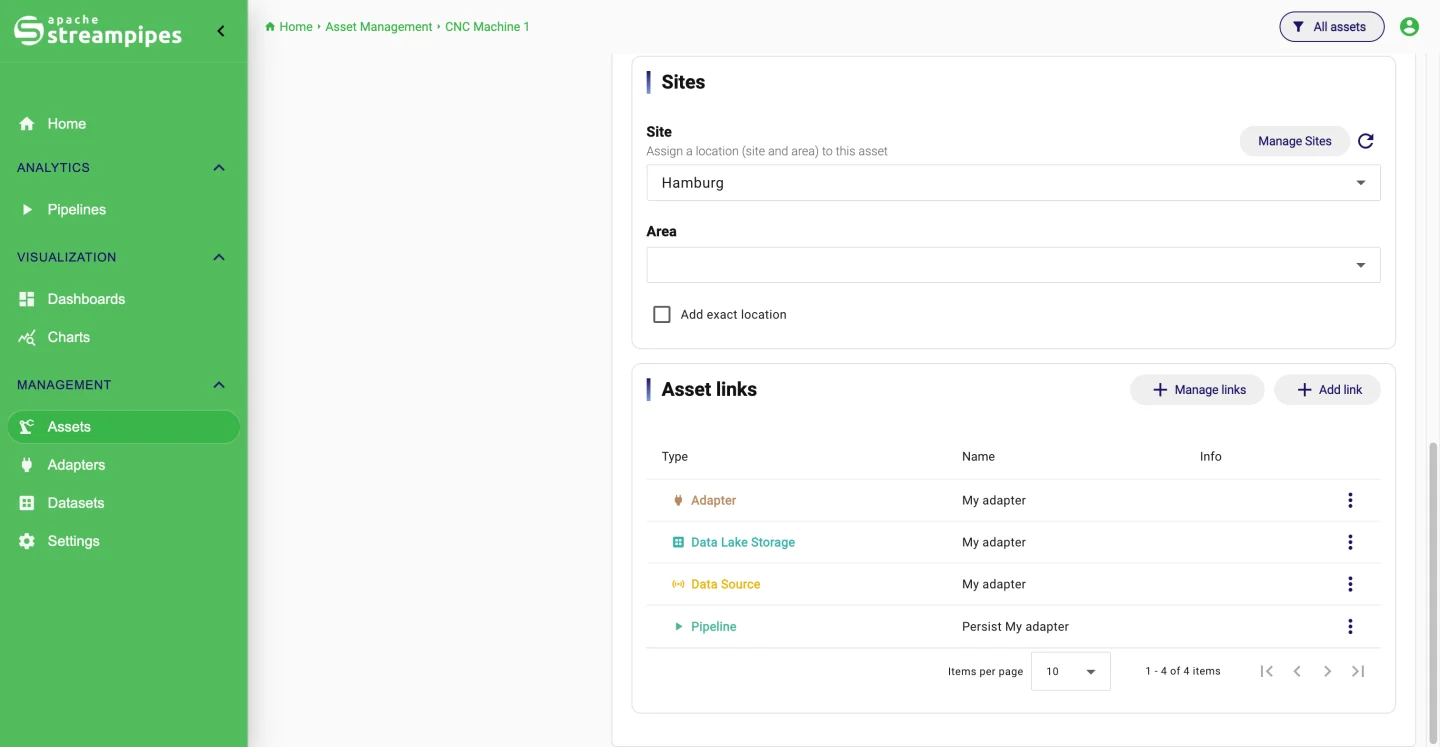
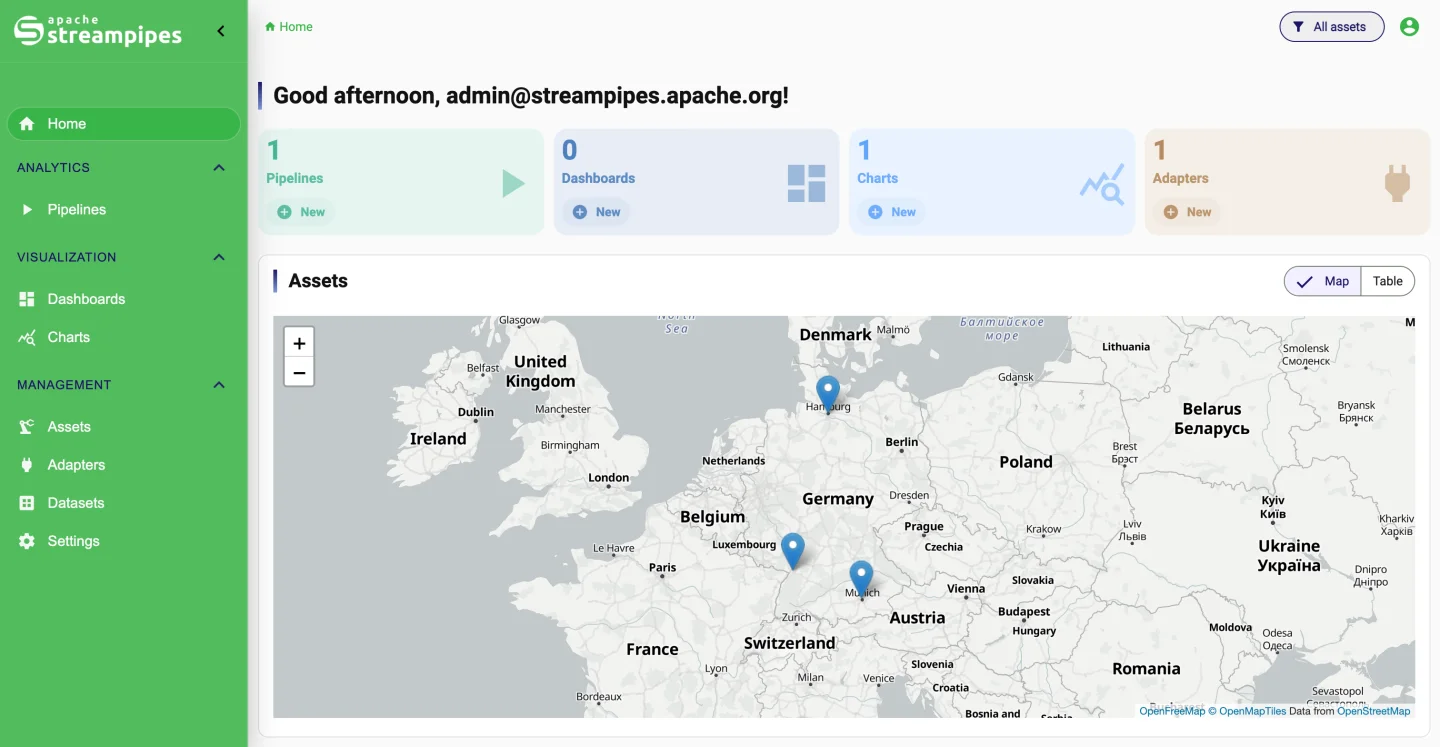
Model plants, lines, stations and machines as assets, give them sites and locations, and attach the adapters, datasets, pipelines, charts and dashboards that belong to each. Operators start from the machine they care about, on a map or in a table, and find what goes with it.
- Nested assets and reusable site structures
- Labels, custom fields and locations
- Links to streams, datasets, pipelines, charts and dashboards
- Map and table views on the home screen
Settings, users, extensions.
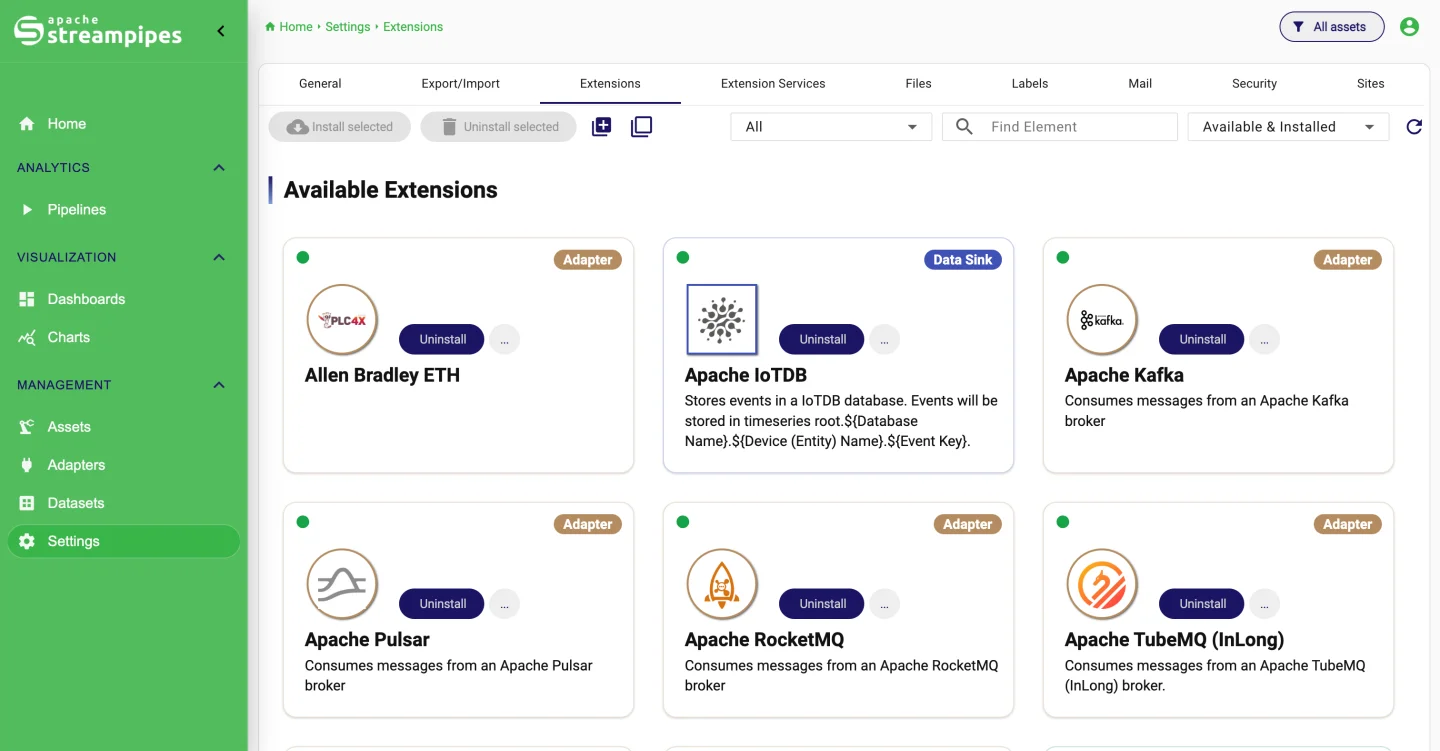
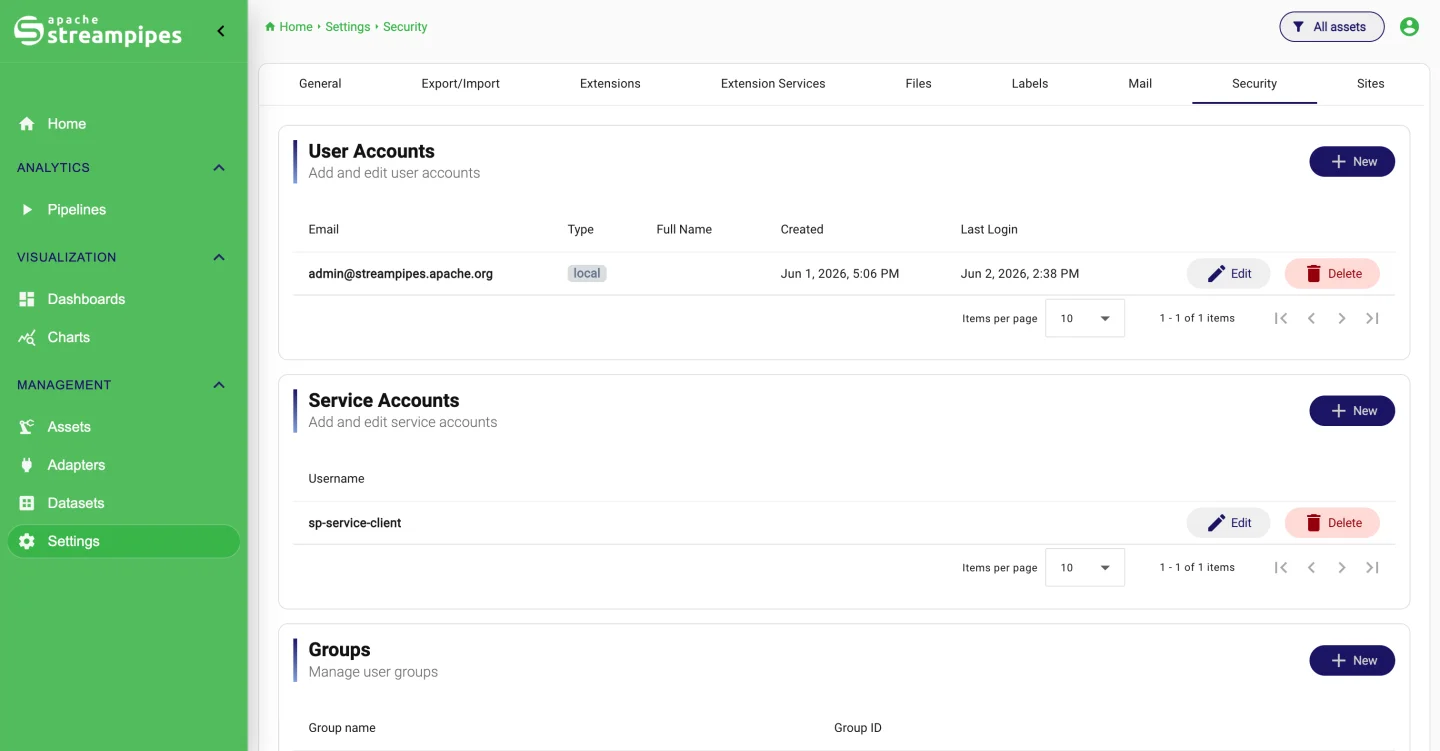
Install and update extensions while the platform runs, manage extension services and their certificates, set up users, roles, groups and permissions, decide on self-registration and terms of use, read the audit log, and move resources between instances with export and import.
- Extensions installed and updated at runtime
- Users, roles, groups, service accounts and API keys
- Audit log, email templates, terms acknowledgment
- Export and import of resources
Also
from code.
Everything on this page can be reached without the UI: Python and Java clients, the REST API, Functions, and an SDK for adapters, processors and sinks of your own.